Automation systems
Work that moves on its own, without reminders.
LaPage connects your steps and tools so information reaches the right person automatically, with less re-entry and fewer misses. Your team only handles exceptions.
One workflow
Automatic · controlled
Request
Input

Routing
Automatic
Notify
Automatic
Exceptions
A person decides
What you get
Automation that keeps routine work moving without waiting for somebody to remember.
- 01
A connected workflow
We connect the forms, records, Tools, assignments, and status updates used by one business process.
- 02
Automated handoffs and notifications
We set up task assignments, confirmations, reminders, and approved messages around the rules of the process.
- 03
An exception and action queue
We surface missing information, overdue work, failed steps, and cases that require a person to decide what happens next.
- 04
Monitoring, recovery, and operating history
We provide visible status, safe retry paths, action history, and clear ownership when a workflow stops or changes.
Signs
Time to automate if your team still does this by hand.
- 01
The same information is copied between tools
A customer, student, order, payment, or booking is entered into a form, then copied into a spreadsheet, a chat, and another system.
- 02
People spend the day reminding one another
Follow-ups, payment reminders, schedule changes, approvals, and handoffs happen only because someone remembers to chase them.
- 03
Management keeps asking for status
The answer sits across several people and files, so nobody can quickly see what is complete, late, unpaid, or waiting.
- 04
Customers feel every missed internal step
A forgotten email, delayed confirmation, or outdated schedule becomes a customer-service problem even though the cause is internal.
Client voice · Business automation
We used to spend hours every week handling repetitive tasks between spreadsheets, emails, and our internal systems. LaPage helped us automate much of that work. What impressed us most was how they took the time to understand our actual workflow before recommending a solution.
Workflows LaPage has built
Every business runs differently.
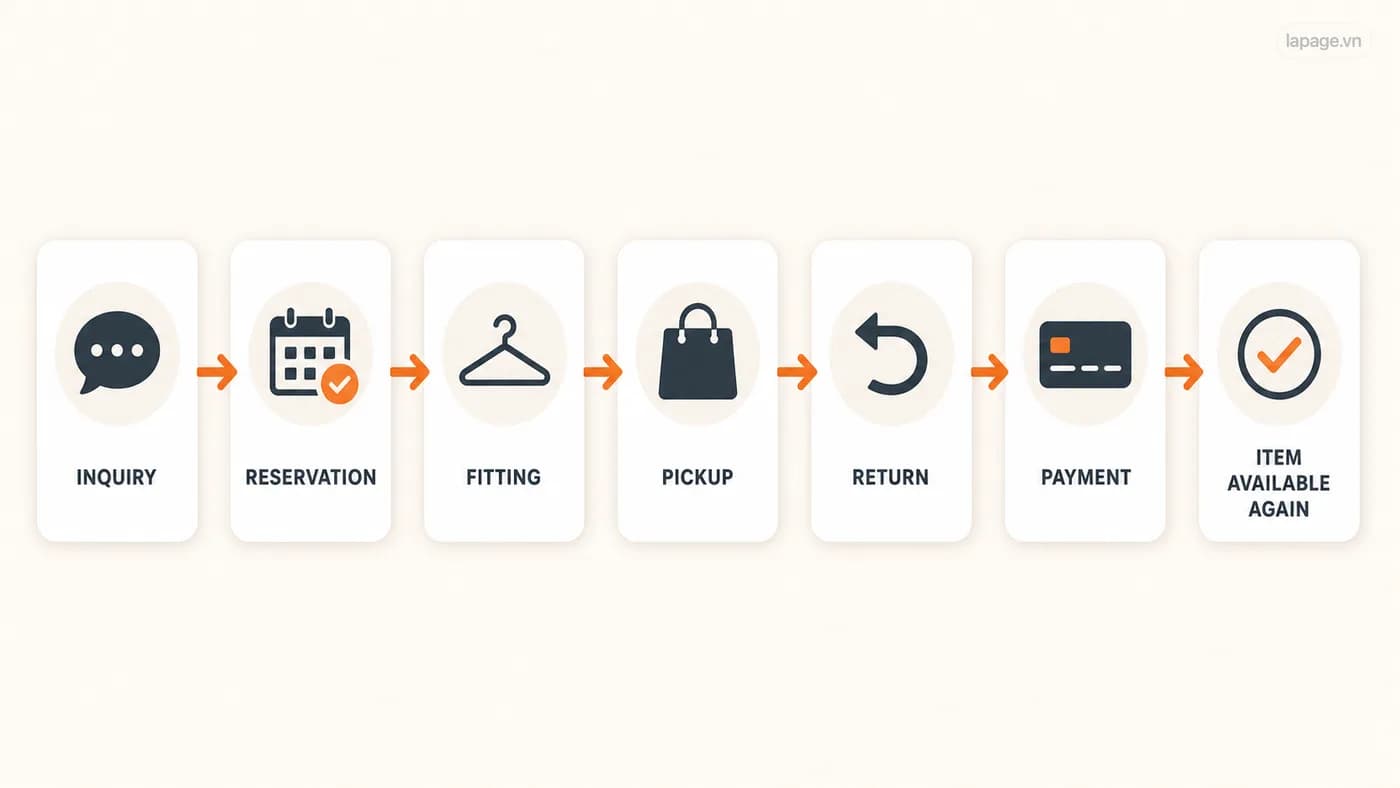
Tiệm Thanh Xuân
Clothing rental from enquiry to return.
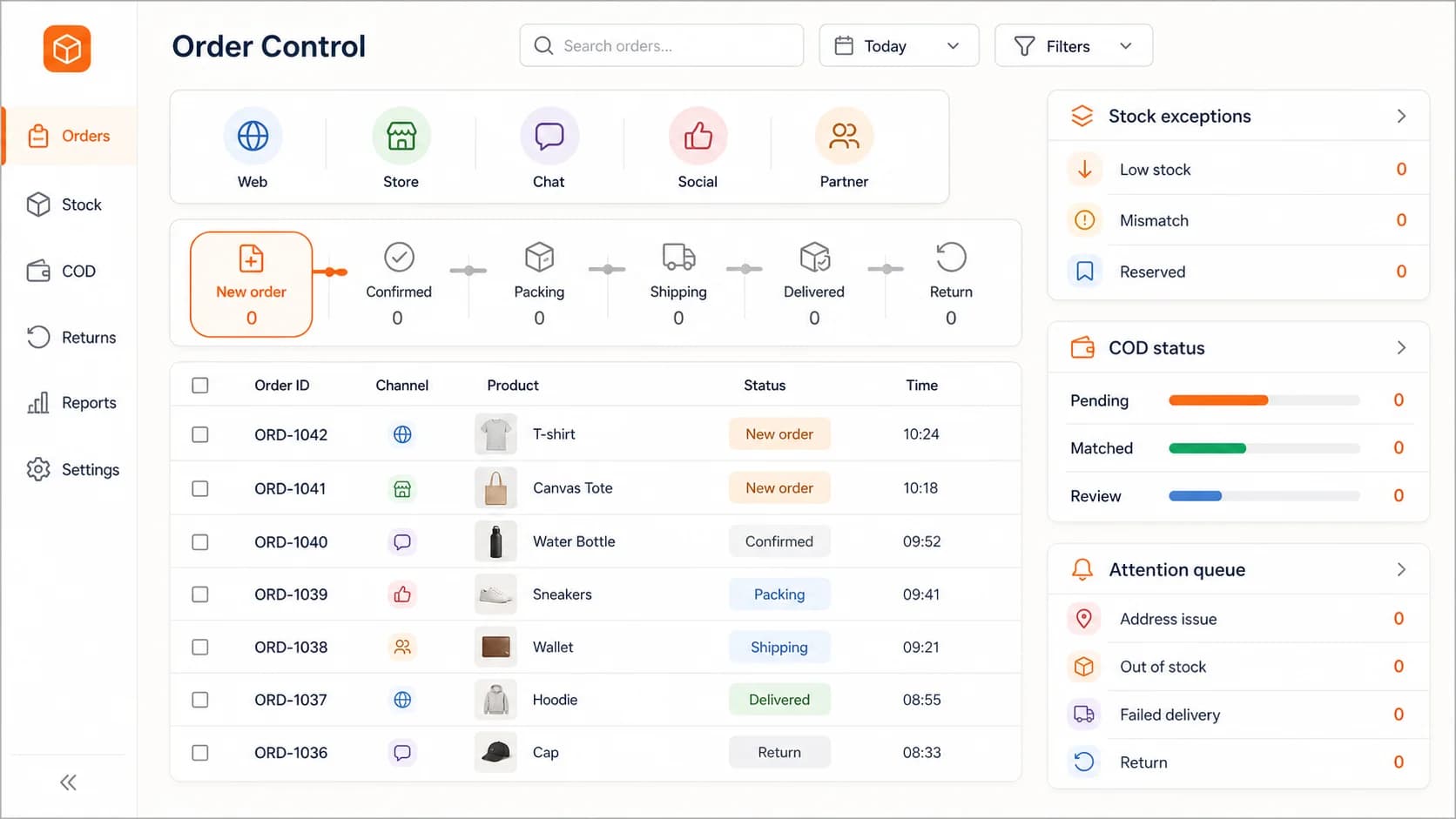
Retail operations
Orders from several channels into one fulfilment flow.
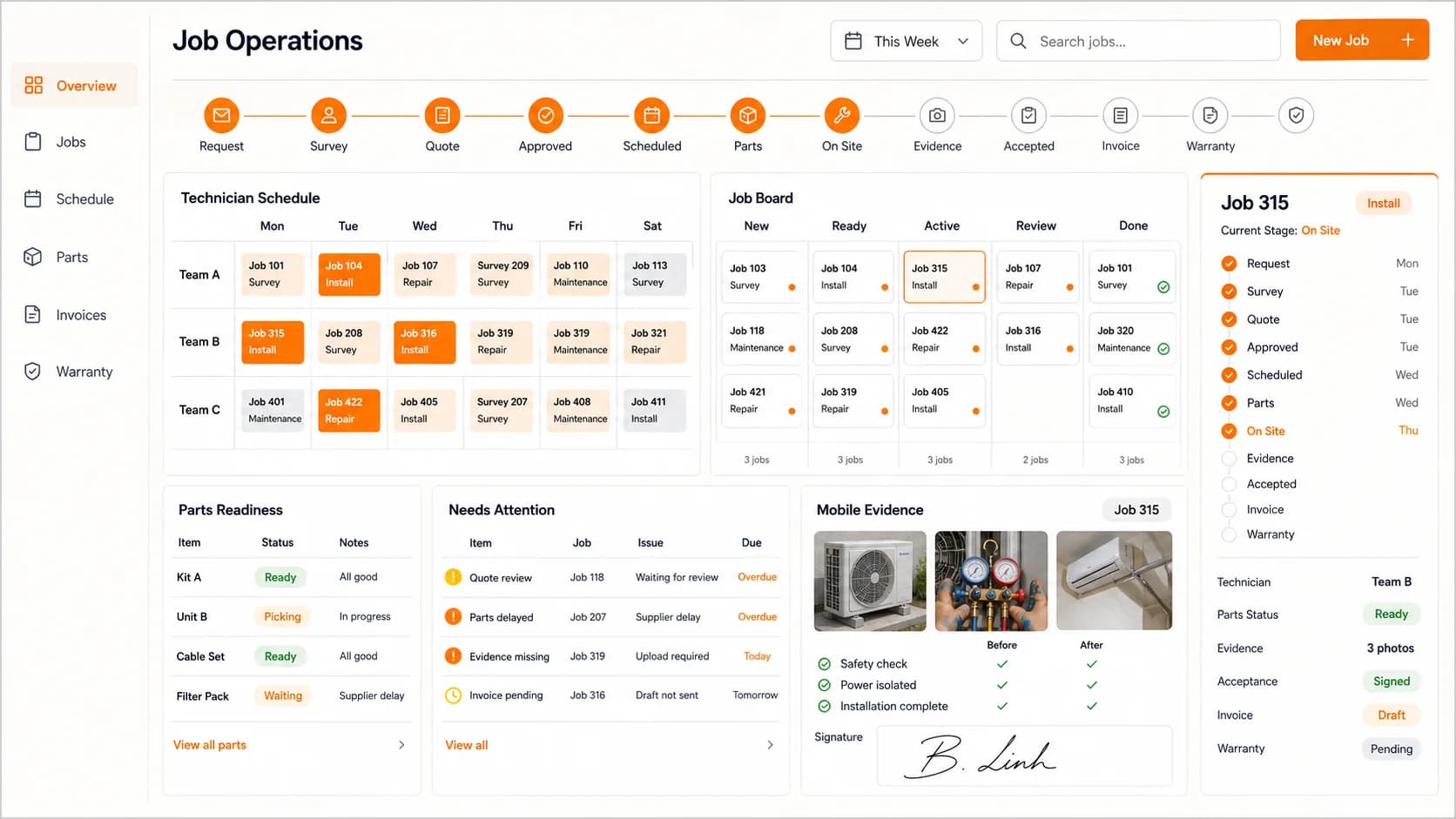
Field service
Service requests from booking to completion.
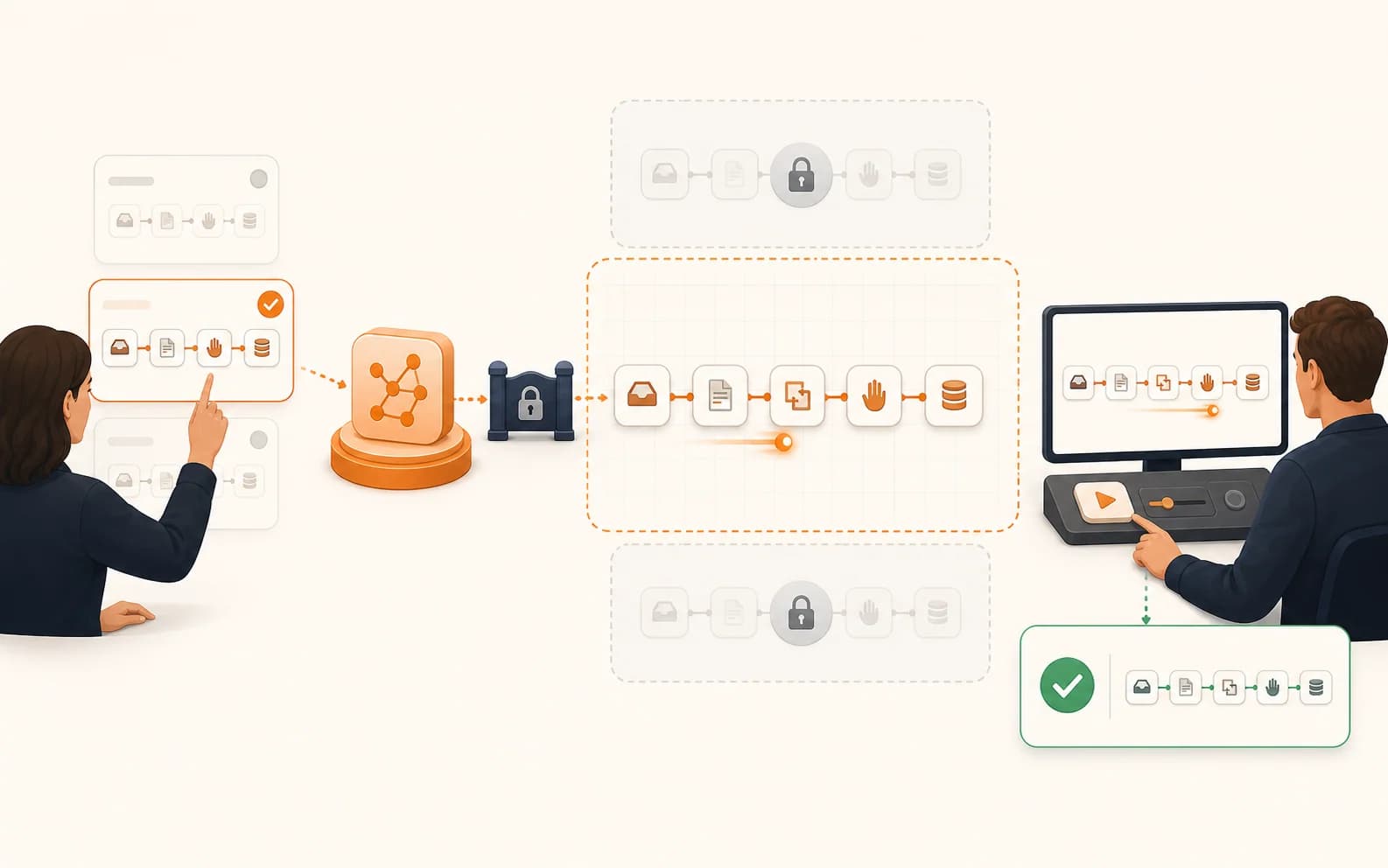
Working demonstration
Website enquiries routed to the sales team.
Customer story: SWS Centre
Staff update the work once, then the next steps follow from it.
- 01
Student record
Staff keep the learner's contact details, course information, and current status in one place.
- 02
Class management
The student is connected to the right class, teacher, learning period, and timetable.
- 03
Fees and payment
The team can see what has been paid, what is due, and which cases need follow-up.
- 04
Learning and exams
Learning schedules and examination schedules stay connected to the right students and classes.
- 05
Mailing
The right group receives the right notice when a class, payment, schedule, or examination update needs to be communicated.
Reliability
A failed step becomes a task, not a mystery.
- 01
Tell the right person
A failed or overdue step creates a clear alert for the person who can act on it.
- 02
Try again safely
Temporary failures can retry without sending the same email twice or creating a duplicate record.
- 03
Keep the original information
The customer, student, order, or job details remain available so staff can correct and continue the work.
- 04
Show what happened
Staff can see when the workflow ran, which step succeeded, where it stopped, and who took over.
Get started
Which work does your team keep reminding each other about?
Pick one tiring process. LaPage makes it run well first, then expands.
Show LaPage your process