Use ChatGPT and Claude in n8n with one LaRouter API key
AI Agents & Agentic Systems · November 13, 2026 · 3 min read

Use ChatGPT and Claude in n8n with one LaRouter API key

Use GPT and Claude in n8n with one LaRouter API key: create the credential, pick a model in AI Agent or Basic LLM Chain, test it, and choose models for real workflows.

LP
LaPage Digital
Systems Editorial
Use ChatGPT and Claude in n8n with one LaRouter API key

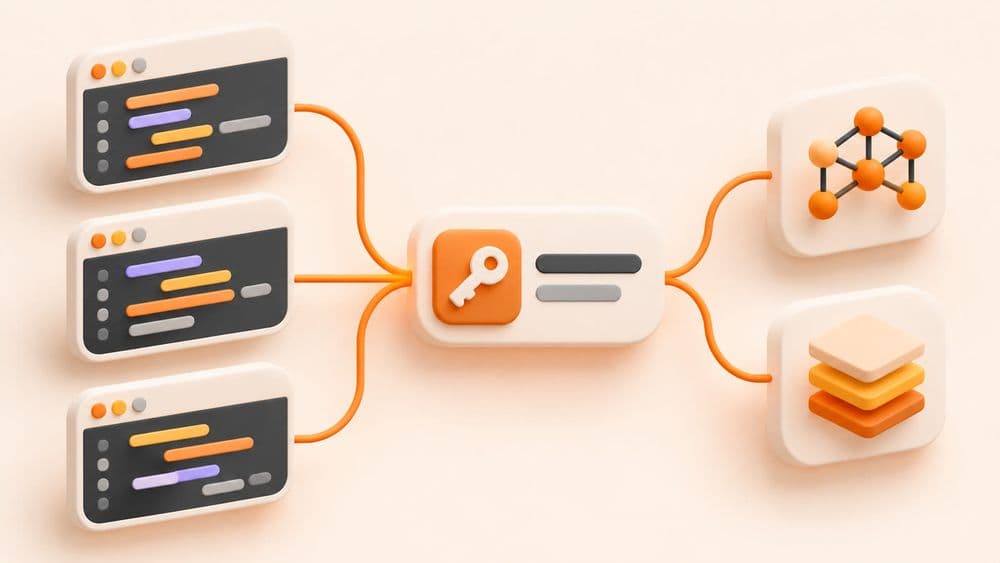
In n8n, AI nodes such as AI Agent, Basic LLM Chain and OpenAI Chat Model need an API key to call a model. If you want both GPT and Claude, you usually need two accounts, two keys and two invoices paid by international card. With LaRouter, one key works for both, you pay by VND bank transfer, and businesses get a VAT invoice.

▶ Watch the setup video (about 2 minutes, in Vietnamese): youtu.be/rdOfJKrr5pw
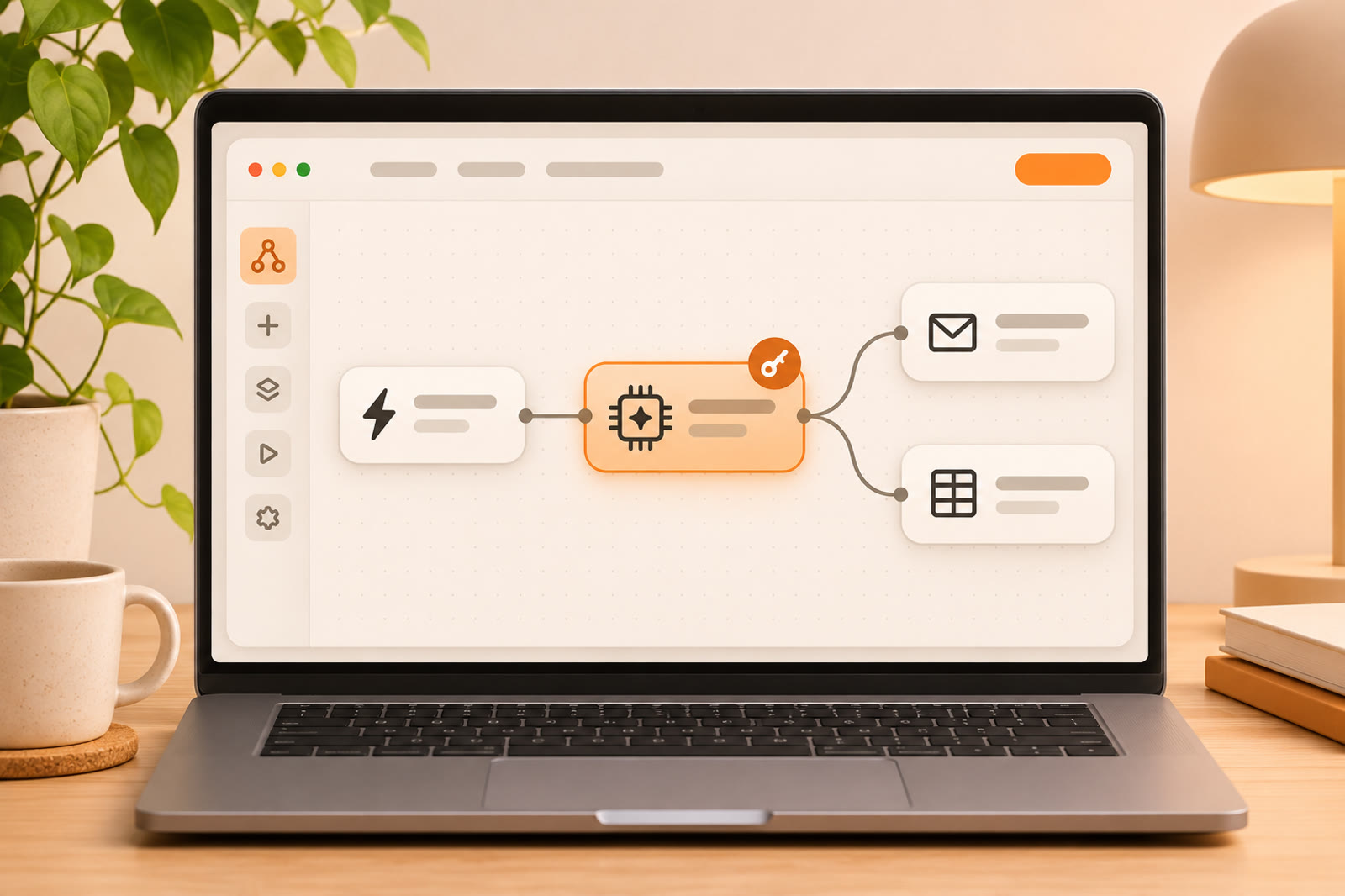
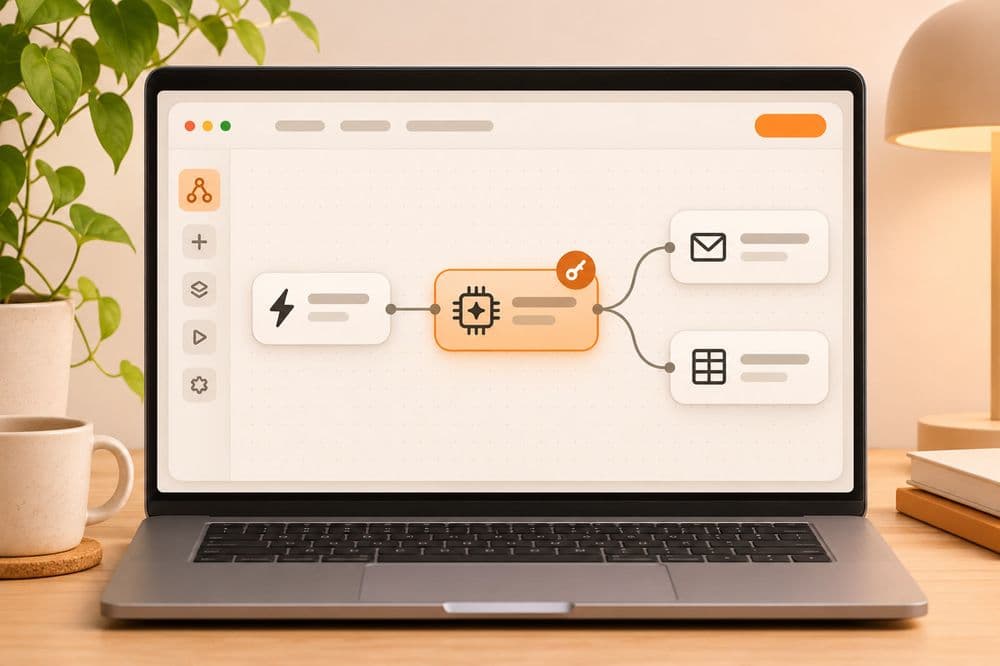
n8n using one LaRouter API key

1. Get your API key

Sign in at larouter.lapage.vn, open the dashboard and copy your API key.

2. Create a credential in n8n

  1. In n8n, go to Credentials › Add credential › choose OpenAI API.
  2. API Key: paste your LaRouter key.
  3. Base URL: https://i-larouter.lapage.vn/v1
  4. Save it. Give it a name you will recognise, such as "LaRouter".

LaRouter uses the same API format as OpenAI, so n8n's OpenAI credential works, including with Claude models.

3. Choose a model in the node

  1. Add an OpenAI Chat Model node (attached to an AI Agent or Basic LLM Chain).
  2. Select the "LaRouter" credential you just created.
  3. Under Model, pick from the list or type the ID:
    • Claude: claude-sonnet-5-5 (balanced), claude-haiku-5-5 (fast, cheap), claude-opus-5-5 (most capable).
    • GPT: gpt-6.1-sol.

4. Test it

Build a small workflow: Manual Trigger › Basic LLM Chain with the prompt "Summarise the text below in 3 points" › OpenAI Chat Model using the LaRouter credential. Click Test workflow. If you get a result, you are done.

Tips for real workflows

  • High-volume, simple tasks (sorting emails, extracting order details): use claude-haiku-5-5 for speed and to save usage.
  • Tasks that need reasoning (replying to customers, writing content): use claude-sonnet-5-5 or gpt-6.1-sol.
  • Switch models without changing the key: change only the model ID in the node; the credential stays the same.
  • Track cost: the LaRouter dashboard shows weekly usage, so it is easy to see which workflow uses the most.

Plans and pricing

  • ChatGPT and Claude in one plan, from just 300,000 VND/month (plan T150: $150 of usage per week, reset every 7 days). Each $150 a week is about the size of one Claude Pro or Codex account.
  • Six tiers from T150 to T1500 (3,000,000 VND/month, about 10 accounts). Upgrade when you need more; the extra capacity is available as soon as payment is confirmed.
  • Annual plan: pay for 12 months, use 13.
  • Pay in VND by bank transfer (VietQR). Prices exclude VAT; companies choose "VAT invoice for a company" at checkout and pay 10% VAT on top.

See the plans at larouter.lapage.vn.

What to check if something fails

  • 401 / Unauthorized: check the API key and Base URL again; make sure /v1 is at the end.
  • Model not in the list: type the model ID directly.
  • Usage limit reached: check the dashboard; the limit resets after 7 days.

If you need help adding AI to your business's n8n workflows, message LaPage on Zalo.

LP

LaPage Digital

LaPage Digital publishes systems-focused writing on architecture, automation, infrastructure, and operational delivery.

Editorial subscription

Stay Updated

Subscribe to our newsletter to receive technical insights and updates on best practices for web development and hosting infrastructure.

We respect your privacy. Unsubscribe at any time.

Call: +84 981 690 658
Message us on Facebook
Zalo
Contact us on Zalo
Message us on WhatsApp
Contact us