AI Agents & Agentic Systems
AI Chatbots Today: 3 Levels, From an AI Driving a Browser to Your Own System
Oct 25, 2026 · 12 min read

Understand the three practical customization layers that shape Codex: MCP tools for external capabilities, skills for reusable workflows, and AGENTS.md for global and local working rules.

An AI agent becomes useful when it can do more than generate an answer. It needs capabilities, reliable procedures, and an understanding of the environment in which it is working.
In From Language Model to AI Agent: How Agentic Systems Actually Work, we followed Ari as a general agent gained a model, tools, an execution loop, memory, skills, persistent guidance, configuration, and guardrails.
This companion article narrows the lens to Codex.
Rather than covering every Codex surface or native capability, we will focus on three practical customization layers:
These layers are related, but they are not interchangeable.
MCP answers: What external capabilities can Codex use? Skills answer: How should Codex perform this kind of work? AGENTS.md answers: How should Codex work here?
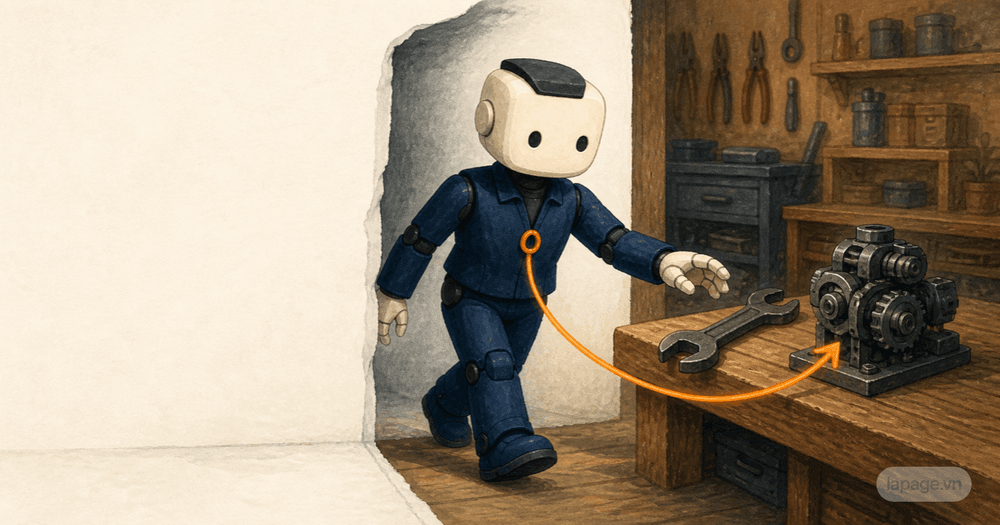
Imagine that Codex joins a software team.
The team gives Codex access to a CMS, issue tracker, documentation system, and deployment platform. Those connections are MCP tools.
The team has a precise process for publishing an article: validate metadata, check for duplicates, upload media, preserve localization, publish, verify, and roll back incomplete records. That reusable process is a skill.
The repository requires specific conventions: use the existing content API, keep credentials server-side, run focused tests, and never deploy without explicit authorization. Those durable expectations belong in AGENTS.md.
The complete relationship looks like this:
AGENTS.md
Defines the working rules and local expectations
        |
        v
Skill
Provides the repeatable procedure for this task
        |
        v
MCP tools
Provide the external capabilities used by the procedure
        |
        v
Codex agent loop
Inspects, acts, observes results, adjusts, and verifies
The arrow does not mean that Codex always loads these items in this exact order. It shows how their responsibilities fit together during a task.

MCP stands for Model Context Protocol. It provides a standard way for an AI host to connect to external servers that expose capabilities and context.
For this article, the most important MCP capability is the tool.
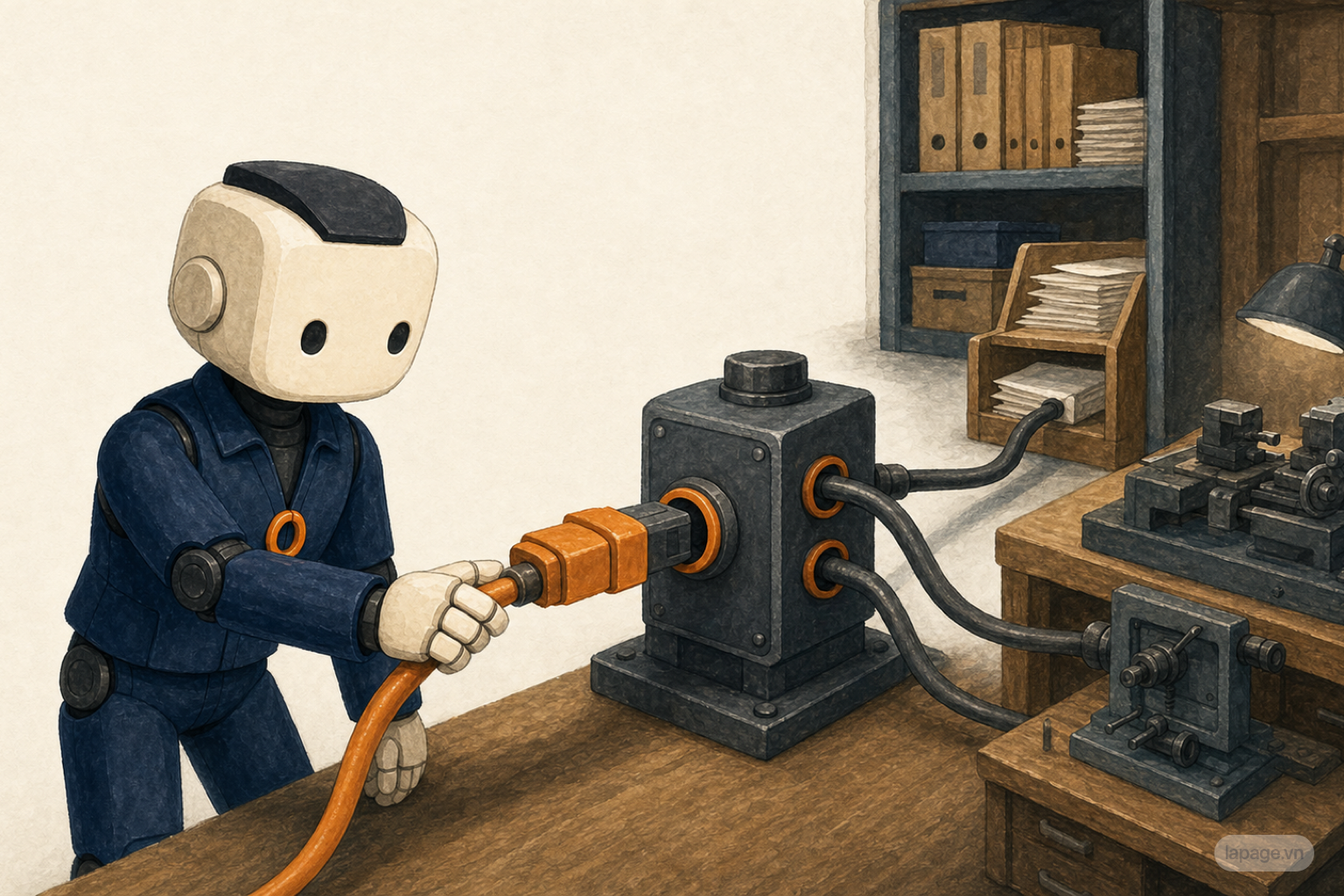
An MCP tool is a structured action with a name, description, and input schema. A connected server might expose tools such as:
The model does not directly improvise an HTTP request or database query. It selects a declared tool and supplies structured arguments. The MCP server performs the actual operation according to its own authentication, authorization, and implementation.
A simplified MCP setup has three participants:
Codex
The host running the agent experience

MCP client
The connection managed inside the host

MCP server
The external service exposing tools and context
Suppose Codex needs to publish a blog post.
Codex may connect to a Strapi MCP server. The server exposes tools for listing entries, uploading media, making authenticated requests, and reading records back. Codex chooses the appropriate tool, supplies the arguments, and receives a structured result.
The server remains responsible for:
Codex remains responsible for interpreting the task and deciding how the available tools should be combined.
This distinction prevents a common architectural mistake.
Giving Codex a tool called createUser does not teach Codex your complete user-creation policy. The tool may know how to send the request, but it does not necessarily know that the workflow should:
That procedural knowledge belongs in a skill.
MCP tools provide verbs. Skills organize those verbs into dependable work.
An MCP connection can expose powerful actions, so its security boundary matters.
Before trusting a server, consider:
A prompt that says "do not delete production data" is useful guidance. A server identity that lacks deletion permission is stronger enforcement. Mature systems use both.
A skill packages instructions and supporting resources for a recognizable task.
The center of a skill is SKILL.md. It normally contains metadata describing when the skill applies and detailed instructions explaining how the workflow should be completed.
A skill folder may also include:
A minimal skill can look like this:
---
name: publish-technical-article
description: Publish and verify a technical article in the company CMS.
---

1. Validate the title, slug, locale, and metadata.
2. Check for an existing post before creating one.
3. Upload approved media.
4. Assign the correct author and category.
5. Publish through the authenticated content workflow.
6. Read the record back and verify every relation.
7. Verify the public page.
8. Roll back incomplete new records after failure.
The metadata supports discovery. The instructions provide the workflow.
Codex uses progressive disclosure for skills. It can initially see compact metadata for available skills. When a skill is selected, Codex reads the complete SKILL.md and then loads referenced material only when needed.
This prevents every detailed procedure from occupying the context of every task.
Skills can activate in two main ways:
$publish-technical-article.A clear description is therefore part of the skill's interface. If the description is vague, Codex may fail to select the skill or select it for unrelated work.
User-level skills are commonly stored at:
~/.agents/skills/
These skills are available across repositories for that user.
Global skills are appropriate for reusable personal or organization-independent workflows, such as:
Example:
~/.agents/skills/
  project-memory/
    SKILL.md
    references/
  publish-article/
    SKILL.md
    scripts/
Project-specific skills live under .agents/skills inside the repository:
my-project/
  .agents/
    skills/
      website-development/
        SKILL.md
      validate-catalog/
        SKILL.md
These skills can travel with the repository and express workflows that only make sense for that project or team.
Examples include:
Codex can discover repository skills along the path from the current working directory toward the repository root. This allows a repository to provide broad skills at its root while a nested module supplies more specialized workflows.
Use this decision rule:
Does the workflow make sense in many unrelated repositories?
  Yes -> global skill
  No  -> local repository skill
Global does not mean more authoritative, and local does not automatically override a global skill with the same name. Skills are discoverable workflow packages, not a single merged instruction chain. Avoid duplicate names when the distinction would be confusing.

AGENTS.md contains durable instructions for Codex.
It is useful for conventions that should influence many tasks, such as:
AGENTS.md should not become a giant collection of every possible workflow. Detailed repeatable procedures usually belong in skills.
Personal guidance normally lives in the Codex home directory:
~/.codex/AGENTS.md
This file is appropriate for preferences that should follow the user across repositories:
# Personal working agreements

- Communicate concisely.
- Prefer ripgrep for repository search.
- Never commit unless explicitly requested.
- Preserve unrelated worktree changes.
- Explain verification gaps clearly.
Codex also supports a global override file:
~/.codex/AGENTS.override.md
When the override exists and is non-empty, Codex uses it instead of the regular global AGENTS.md. This is useful for a temporary global profile without deleting the normal guidance.
A repository can check in an AGENTS.md at its root:
my-project/
  AGENTS.md
  src/
  package.json
The repository file should contain rules shared by everyone working in that codebase:
# Project instructions

- Use the existing typed content API for CMS reads and writes.
- Keep route entry files thin.
- Store visitor-facing copy in localized messages.
- Run route type generation before TypeScript validation.
- Do not deploy without explicit authorization.
Unlike a global file, this guidance travels with the repository and can be reviewed alongside the code.
Large repositories often contain subsystems with different requirements.
Codex can read guidance from directories between the repository root and the current working directory. A nested file can therefore specialize the broader repository rules:
my-project/
  AGENTS.md
  services/
    payments/
      AGENTS.md
      src/
The root file may define general testing and review expectations. The payments file may add rules about financial data, idempotency, or security review.
Files closer to the working directory appear later in the instruction chain and take precedence when guidance conflicts.
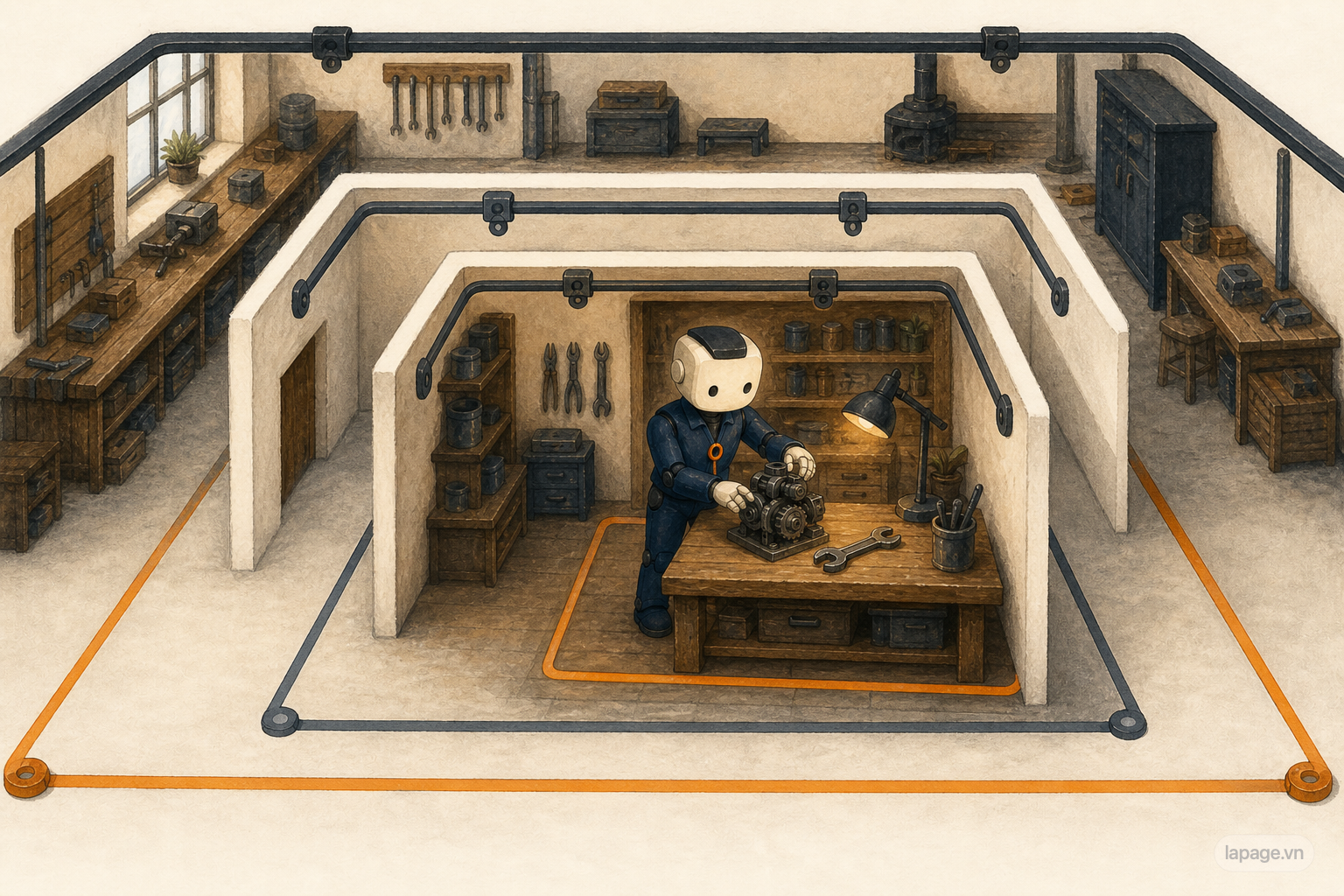
At each project directory level, Codex checks for AGENTS.override.md before AGENTS.md. It includes at most one guidance file from each directory.
An override is useful when a directory needs to replace its regular instructions temporarily or completely. Use it deliberately: forgotten override files are a common reason that expected guidance appears to be ignored.
The simplified discovery process is:
1. Load global guidance from the Codex home directory.
2. Find the repository root.
3. Walk from the repository root toward the current working directory.
4. At each directory, select the applicable override, AGENTS.md, or configured fallback.
5. Combine the selected files from broadest to most local.
Codex generally builds this chain when a run or interactive session starts. If guidance changes but behavior appears stale, begin a new run or session so discovery happens again.
Use AGENTS.md when the instruction should apply broadly inside a scope:
Use a skill when the instruction describes a recognizable procedure:
One sentence captures the difference:
AGENTS.md is the workplace handbook. SKILL.md is the playbook for a particular job.
Consider this request:
Publish a technical article explaining AI agents and verify the live page.
Codex may assemble the work as follows:
The global file says to preserve unrelated changes and avoid exposing secrets. The repository file says that blog content comes from the CMS and that publishing operations must use the authenticated content workflow.
The publishing skill says to validate the slug, check for duplicates, create or reuse a category, generate approved media, publish the record, read it back, and verify the public page.
The documentation MCP tool supplies current references. The CMS MCP tool uploads media and reads records. A browser connection verifies the rendered page.
Codex observes each tool response, records identifiers, detects missing relations, corrects the payload, and repeats verification until the acceptance criteria pass.
No individual layer could provide the same reliability alone.

This bloats every task with instructions that only apply occasionally. Keep broad rules in AGENTS.md and move detailed repeatable procedures into skills.
A skill can explain how to publish content, but it does not grant CMS access. The MCP server and external service still enforce authentication and authorization.
A tool called publishPost is only an action. Validation, sequencing, verification, and rollback still need procedural guidance.
Do not copy the same long instructions into every repository. Keep personal defaults global and project rules local.
If the workflow should follow you everywhere, place it in the user-level skills directory rather than copying it into every repository.
The current working directory affects which nested repository guidance and skills are discoverable. Start Codex in the part of the repository whose local context should apply.
| Layer | Main question | Global location | Local location |
|---|---|---|---|
| MCP tools | What external capabilities can Codex use? | Configured connection available to the user or environment | Project-configured connection when appropriate |
| Skills | How should Codex perform this workflow? | ~/.agents/skills/ |
.agents/skills/ in the repository path |
| AGENTS.md | How should Codex work within this scope? | ~/.codex/AGENTS.md |
AGENTS.md from repository root toward the working directory |
The locations matter, but the responsibilities matter more.
When Codex starts a task, think about three questions:
1. Does Codex have the required capability?
   Look for the appropriate MCP tool.

2. Does Codex know the reliable procedure?
   Look for or create a skill.

3. Does Codex understand the rules of this environment?
   Put durable guidance in the correct AGENTS.md scope.
MCP tools connect Codex to the world. Skills teach Codex how to perform recurring work. AGENTS.md tells Codex how to behave in the environment it has entered.
Together, they turn a general coding agent into a system that can work with the capabilities, procedures, and conventions of a real team.
Founder of LaPage Digital, a Vietnam-based digital infrastructure and automation company founded in 2018. Huy Lan is a former Data Engineer at Publicis, where he managed data infrastructure for clients across the APMEA region. He focuses on helping businesses build reliable systems, own their data, and automate operations with practical, maintainable technology.
Subscribe to our newsletter to receive technical insights and updates on best practices for web development and hosting infrastructure.