
AI Agents & Agentic Systems
How Codex Works: MCP Tools, Skills, and AGENTS.md
Aug 1, 2026 · 11 min read
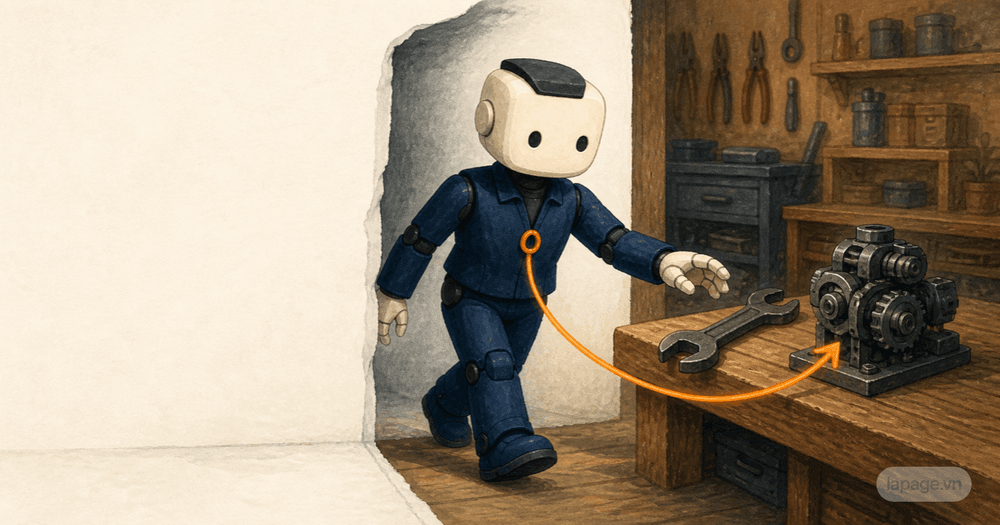
Follow Ari as a simple customer workshop grows from a checklist into coordinated work. Through one everyday story, learn how Model, Tools, Agent Loop, Memory, Skills, and Guardrails turn generated answers into an AI agent that can follow a job through.

Imagine Ari starting a first day at a small company.
At the end of the month, the company wants to host a workshop for about 30 customers. It will last half a day, with a short presentation, a question-and-answer session, and some refreshments. The budget is limited, and everyone at the company is already busy with their usual work.
A manager gives Ari a task:
Help me prepare the customer workshop at the end of the month. Make a plan, invite the guests, track attendance, and make sure everything is ready before the event.
Ari responds almost immediately. Within seconds, Ari produces a long checklist: choose a date, book a room, write the invitation, arrange drinks, test the projector, and send reminders.
It sounds sensible.
Then the manager asks, "Is the meeting room free on Saturday? Where is our customer list? How many people have confirmed?"
Ari cannot answer.
Ari knows how to write a plan. Ari cannot yet do the work.
That gap is the story of this article.
We will follow Ari from generating answers to supporting a real job from beginning to end. Each time Ari runs into a practical problem, the system gains another piece. By the end, terms such as Model, Tools, Agent Loop, Memory, and Skills will not feel like abstract definitions. They will simply name the things Ari needs to work well.
Ari is a character used to tell the story. Underneath is still a software system that receives information, chooses actions, uses Tools, reads the results, and continues until the work is complete or a person needs to decide what happens next.
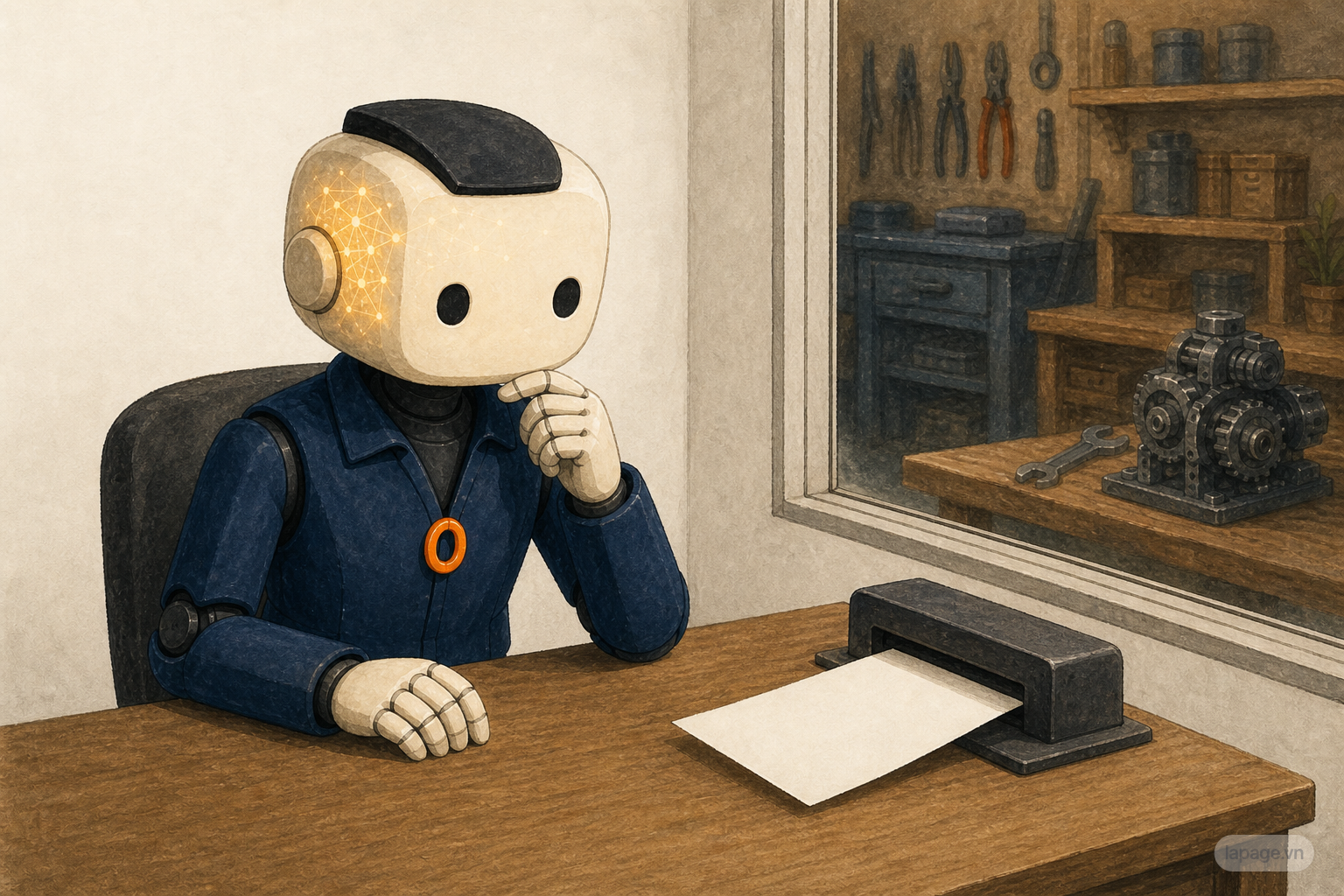
On the first day, Ari has a very capable Model.
When Ari hears about the customer workshop, Ari understands what the manager wants. Ari can draft a plan, suggest invitation wording, and point out tasks that people often forget.
If asked, "What do we need for a workshop with 30 guests?" Ari can give a useful answer:
This is what a Model does well: it reads a request, understands the meaning, and produces a relevant response.
But the Model does not know whether the company's meeting room is already booked. It cannot see the customer directory. It does not know the actual remaining budget. It cannot call a food supplier or mark a guest as confirmed.
The Model is like a knowledgeable person sitting in a closed room. That person may give excellent advice, but cannot see the situation outside or touch the real work.
Ari can think, but Ari does not yet have a workplace.
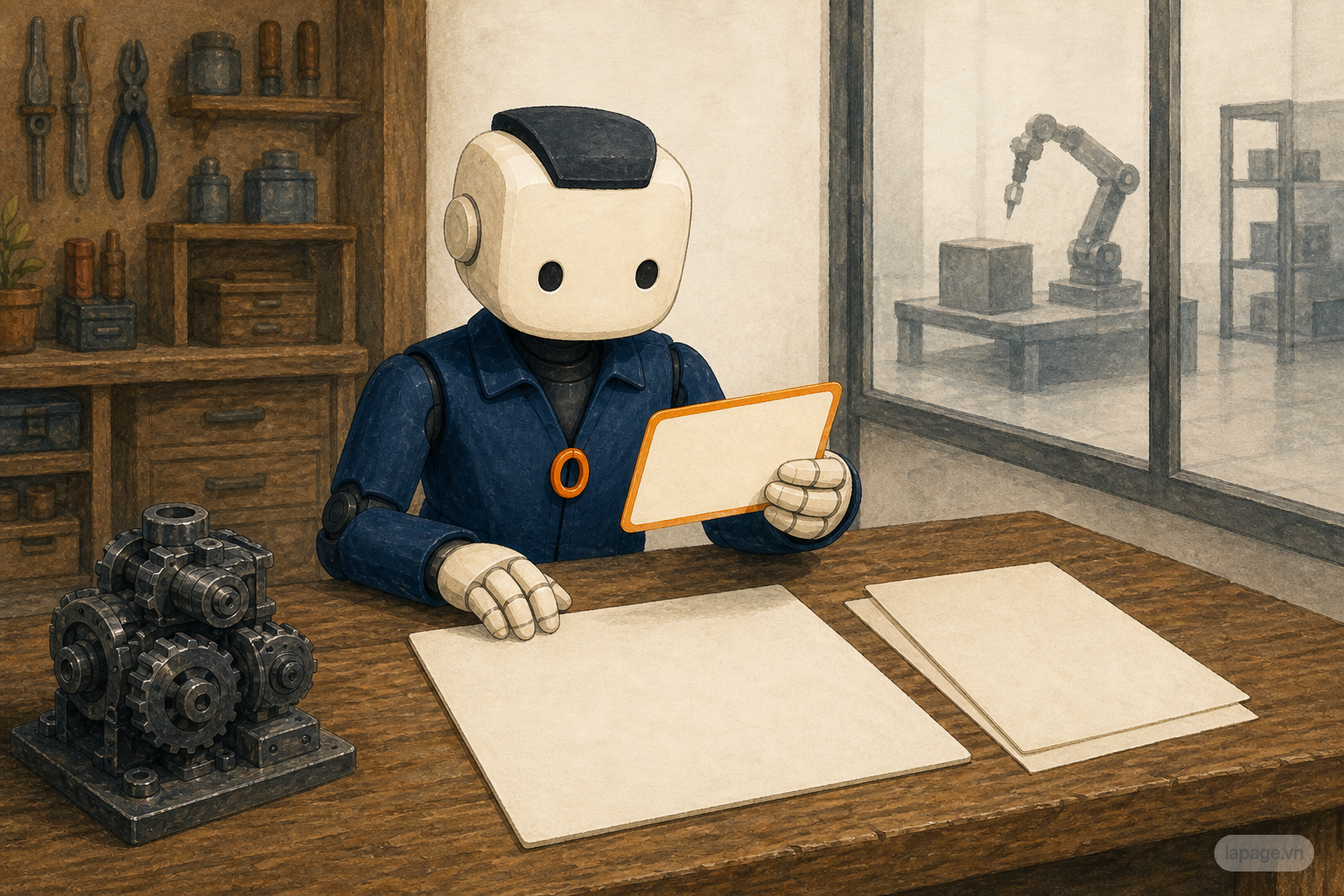
The manager realizes that the first request was too broad, so she adds more detail:
The workshop is for existing customers, with about 30 people expected. We want to hold it at the office on the last Saturday of the month. The budget is no more than 12 million VND. It should feel friendly, not formal. Show me the invitation and any deposit request before you send or pay anything.
Ari's plan immediately becomes more useful.
Ari no longer suggests renting a large conference hall. The office is the first choice if there is enough room. The invitation also sounds warmer and more like the way the company normally speaks to customers.
The direct request is the Prompt.
The details that help Ari understand the situation are the Context: the number of guests, preferred time and place, budget, tone, and decisions that require approval.
There is no need to memorize those words like an exam answer. Think about an ordinary request:
If you ask someone to buy dinner for the family, they still need to know how many people are eating, what time dinner is, whether anyone is vegetarian, and how much they can spend.
The Prompt tells Ari what result is wanted. The Context keeps the plan connected to reality.
Ari now understands the request, but still does not know whether the room is free that Saturday. Ari needs a way to check instead of asking the manager for every detail.
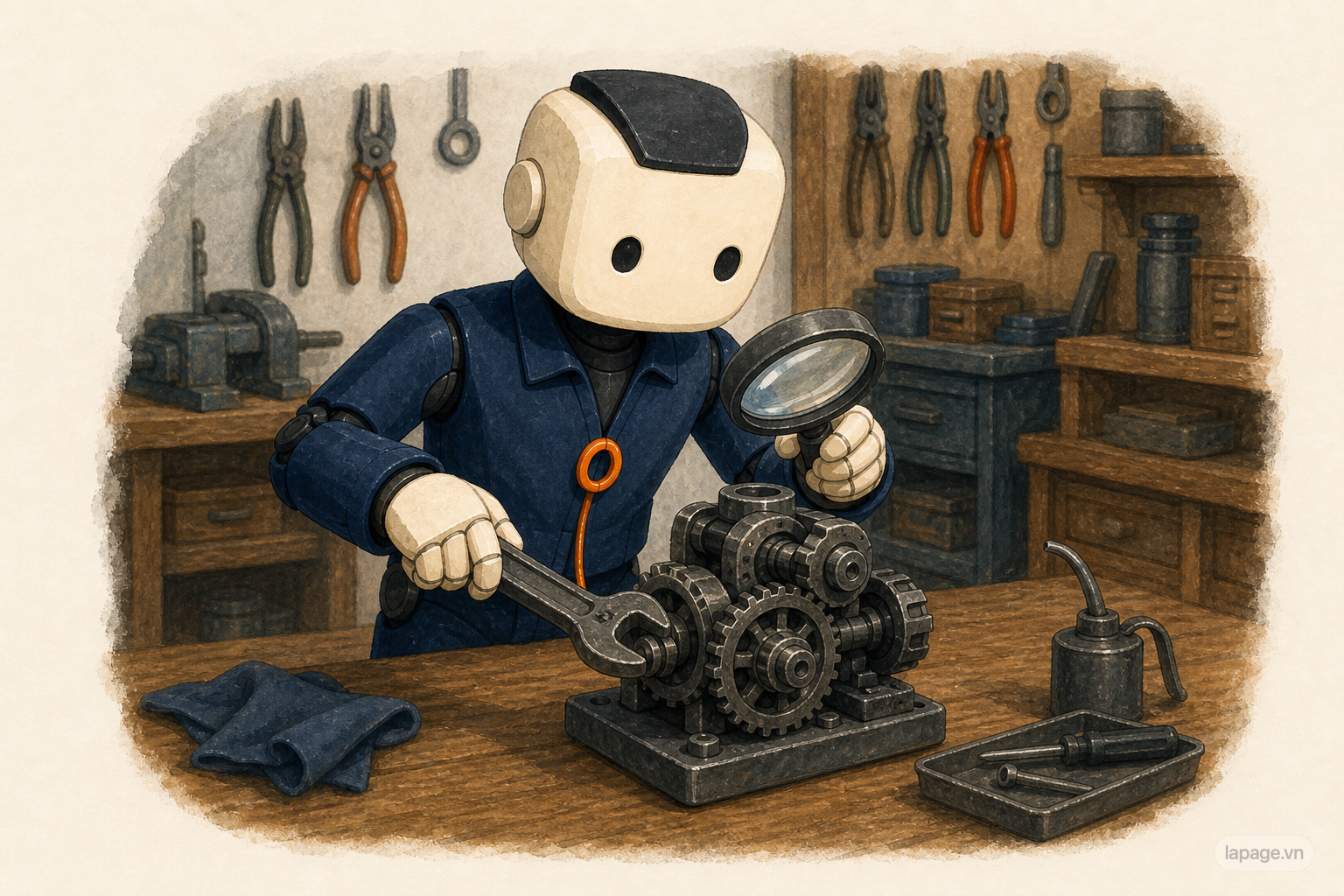
The company connects Ari to a few familiar Tools:
For the first time, Ari can see what is actually happening.
Ari opens the Calendar and discovers that the meeting room is already booked on Saturday morning. It is free in the afternoon.
Ari checks the customer list and finds 42 people who fit the event. Ari creates a Spreadsheet with each person's name, phone number, email address, reply status, and dietary notes.
Ari finds three nearby food suppliers and records their estimated prices.
Ari also drafts an invitation, but does not send it because the manager asked to review it first.
This is what Tools are for. They let Ari observe or change something outside the conversation.
The Calendar does not decide whether the workshop should move to the afternoon. Email does not know whether the invitation sounds right. The Spreadsheet does not decide whether Ari should invite 42 people or only 30.
Tools are like the hands, eyes, and phone of an employee. Having them does not complete the job. Ari still needs to choose which Tool to use, when to use it, and what to do with the result.
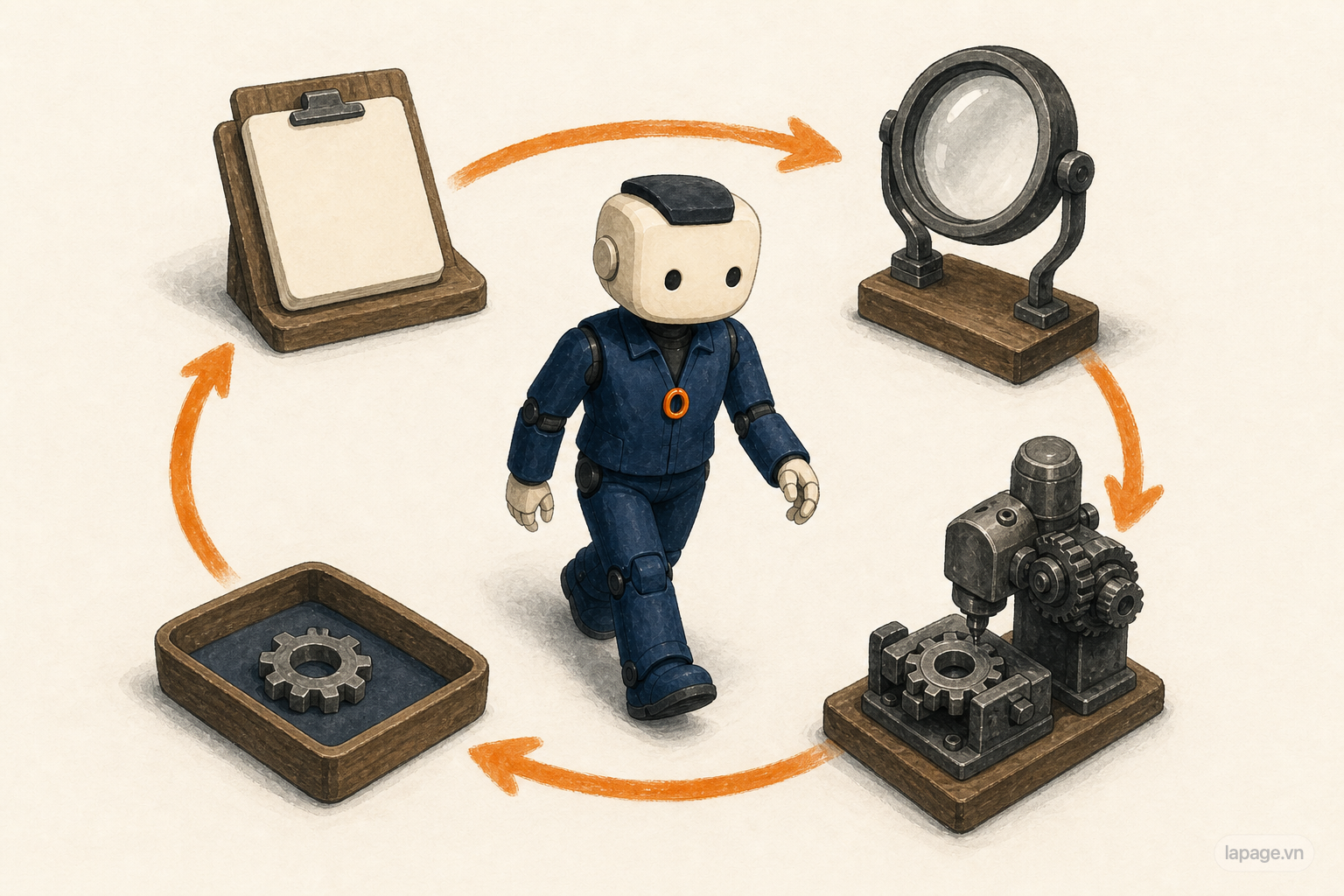
Ari begins working in a simple rhythm.
First, Ari checks the Calendar. The room is occupied in the morning.
Ari does not stop with "the room is unavailable." Ari checks the afternoon, looks at the presenter's schedule, and suggests moving the workshop to 2 p.m.
The manager agrees.
Ari updates the plan, changes the invitation, and sends the new draft for approval. Once it is approved, Ari emails all 42 customers.
Two days later, Ari checks the replies:
Ari sends a gentle reminder to the 13 people who have not answered. The confirmed guest count rises to 31.
Then another five customers accept. There are now 36 guests, more than the original number of available chairs.
Ari checks the equipment room and finds only 32 suitable chairs. Instead of immediately paying to rent more, Ari suggests borrowing four chairs from the room next door.
Each new result leads to the next action:
Understand the job
        |
Check the situation
        |
Choose the next action
        |
Use a Tool
        |
Read the result
        |
Adjust the plan
        |
Check again
This repeating rhythm is called the Agent Loop.
The name is less important than the behavior. Ari does not produce one plan and disappear. Ari checks what happened, responds to the new situation, and keeps the work moving.
That is also what a good assistant does in everyday life.
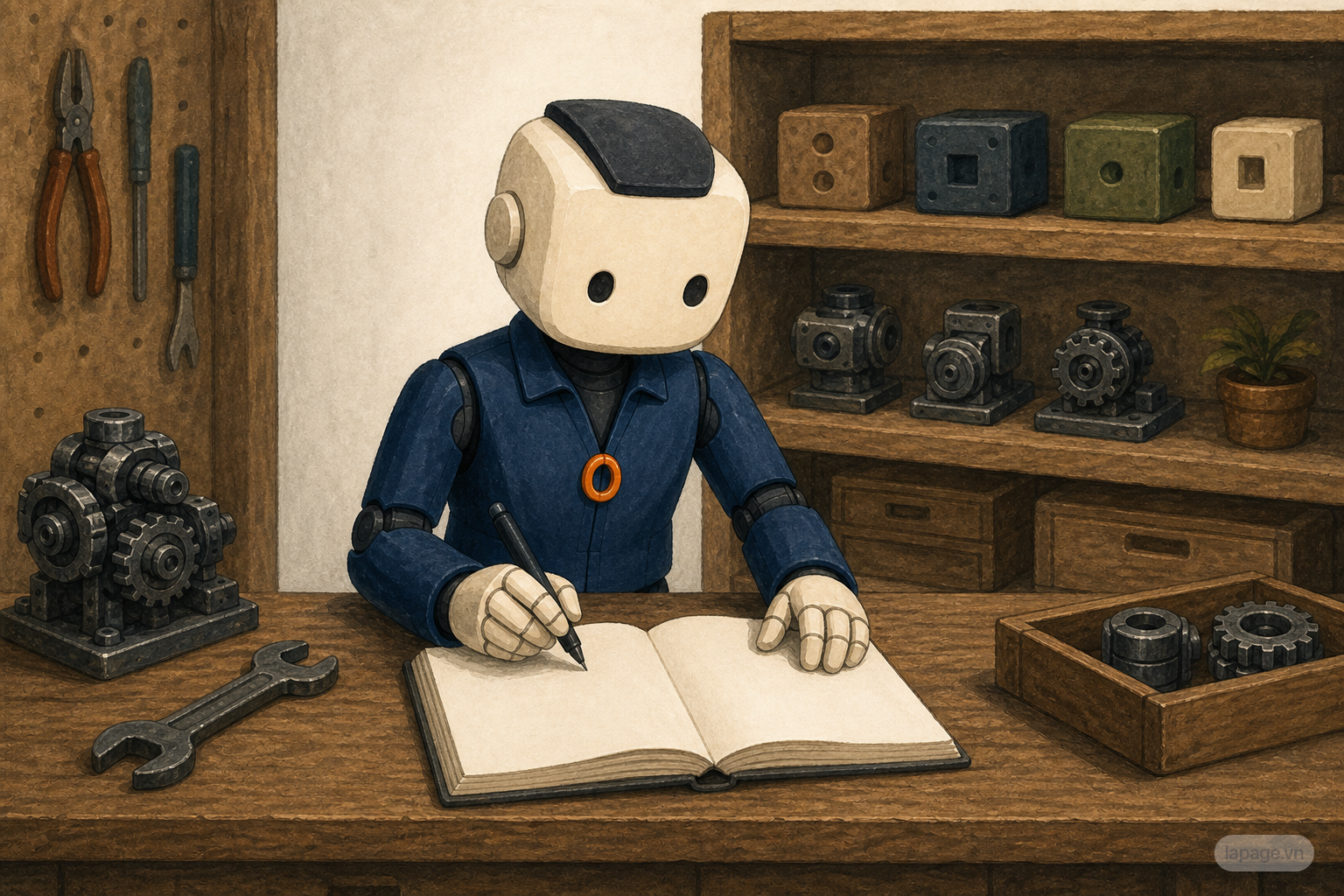
The task lasts several days, so Ari can easily lose track of changing details.
On Monday, 21 people had accepted. By Wednesday, the number was 31. By the weekend, it was 36. One guest requested a vegetarian meal. Two will arrive late. Supplier A costs less but can only deliver before noon. Supplier B costs a little more but can deliver at 1:30 p.m.
If all of this exists only inside a long conversation, Ari may use an old number or ask a question that was already answered.
Ari therefore needs to keep the State of the current job:
State is like an open job sheet on a desk. It tells Ari what has happened and what still needs attention.
Memory goes a little further.
After working with the company several times, Ari might remember stable preferences: invitations should be short, events should not use disposable plastic cups, there should always be a rain plan, and expenses above two million VND require a manager's approval.
Those details can help with future events, not only this one.
Good Memory does not mean storing everything forever. Ari should not keep unnecessary sensitive information, and old information must give way when company rules change.
The practical difference is simple:
State helps Ari keep up with the work happening now. Memory helps Ari retain useful knowledge across separate jobs.
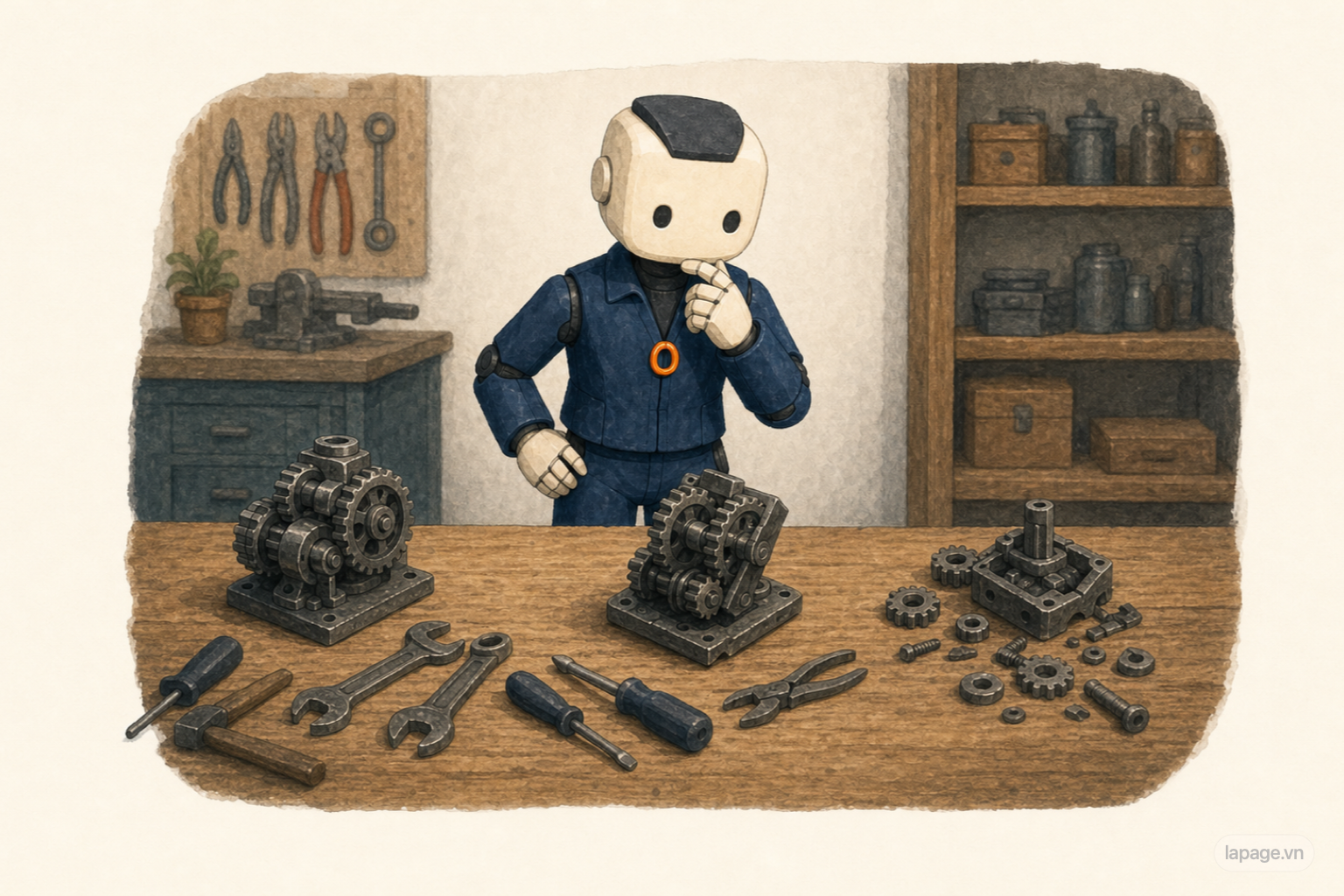
By this point, Ari can do quite a lot.
Ari can read the Calendar, send emails, update the guest list, find suppliers, and track costs. But without a dependable way of working, Ari can still create problems.
On another event, Ari might:
The problem is not a lack of Tools. Ari lacks a consistent procedure.
Someone new to a job can face the same problem. They have email, a phone, and a tracking file, but they still miss steps because they do not yet know the company's routine.
The gap between "can do the job" and "can do the job reliably" is sometimes called the Reliability Gap.
The term sounds technical, but the problem is familiar: the work goes well today, then an important step is forgotten next time.
Ari needs a playbook.

The company gives Ari a Workflow for small events.
It is not a long manual. It simply puts the important tasks in the right order:
The Workflow also explains what to do if too many guests accept, a supplier cancels, or bad weather is expected.
When the Workflow, invitation templates, checklists, and recovery steps are packaged for Ari to reuse, they form a Skill.
A Skill does not make Ari know everything. It helps Ari perform a familiar kind of work more consistently.
The difference between a Tool and a Skill is now easier to see:
Email is a Tool. The process for drafting, approving, sending, and tracking invitations is a Skill.
A Spreadsheet is a Tool. The method for using it to track guests, food, costs, and unfinished tasks is a Skill.
With a Skill, Ari does not have to invent the entire event process every time.
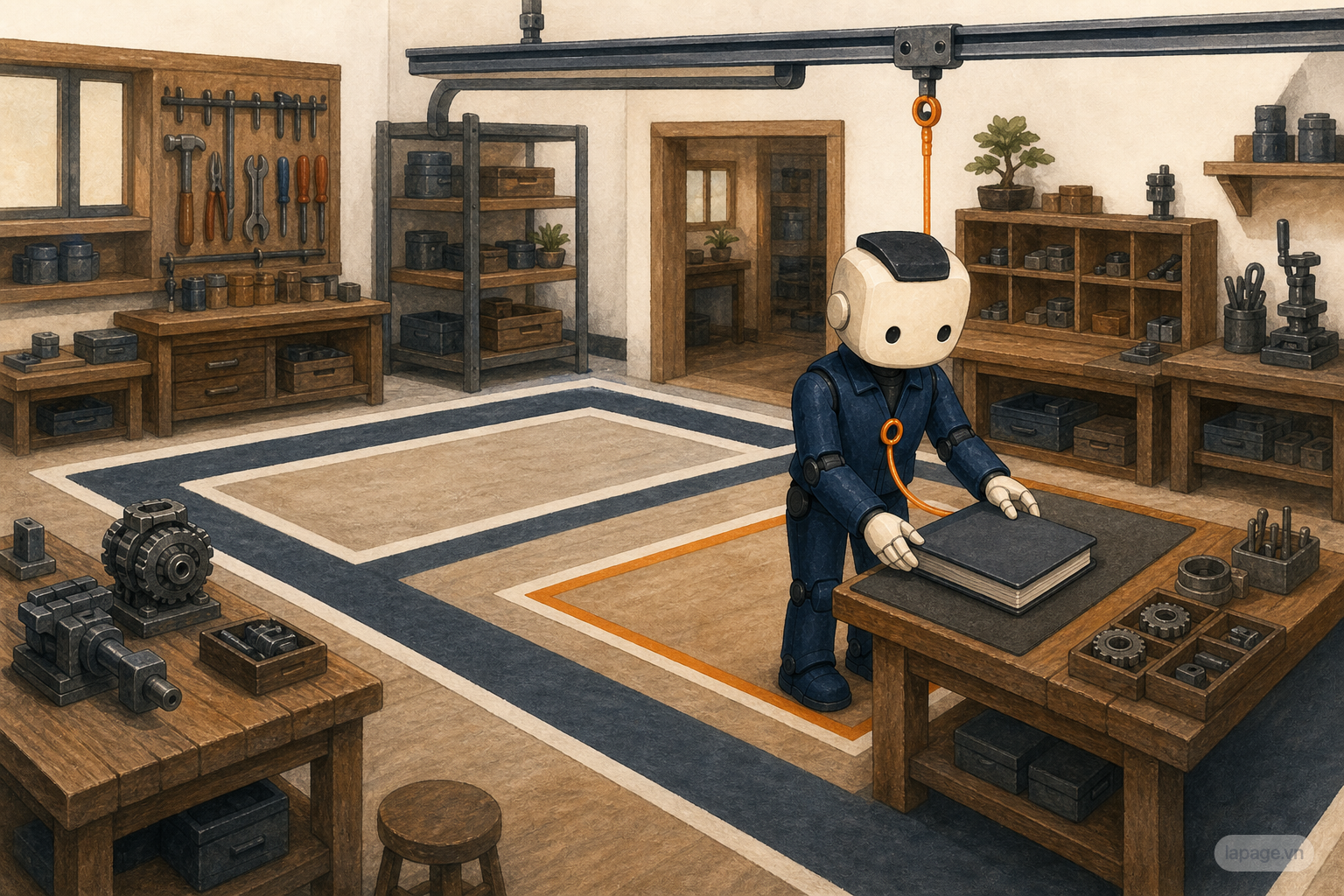
The Workflow explains the steps for organizing an event. But every workplace has its own way of doing things.
Ari's company has a few standing rules:
These rules are not only for the workshop at the end of the month. They affect many jobs in the same workplace.
This is Persistent Guidance.
Put simply, a Skill is the playbook for a particular job. Persistent Guidance is the general way Ari is expected to work in this company.
If Ari moved to a school, a shop, or a charity, the Guidance would be different. One place might value the lowest possible cost. Another might require every message in two languages. Another might forbid contacting customers outside business hours.
Ari should not carry every rule from one workplace into another.
Guidance needs the right scope.
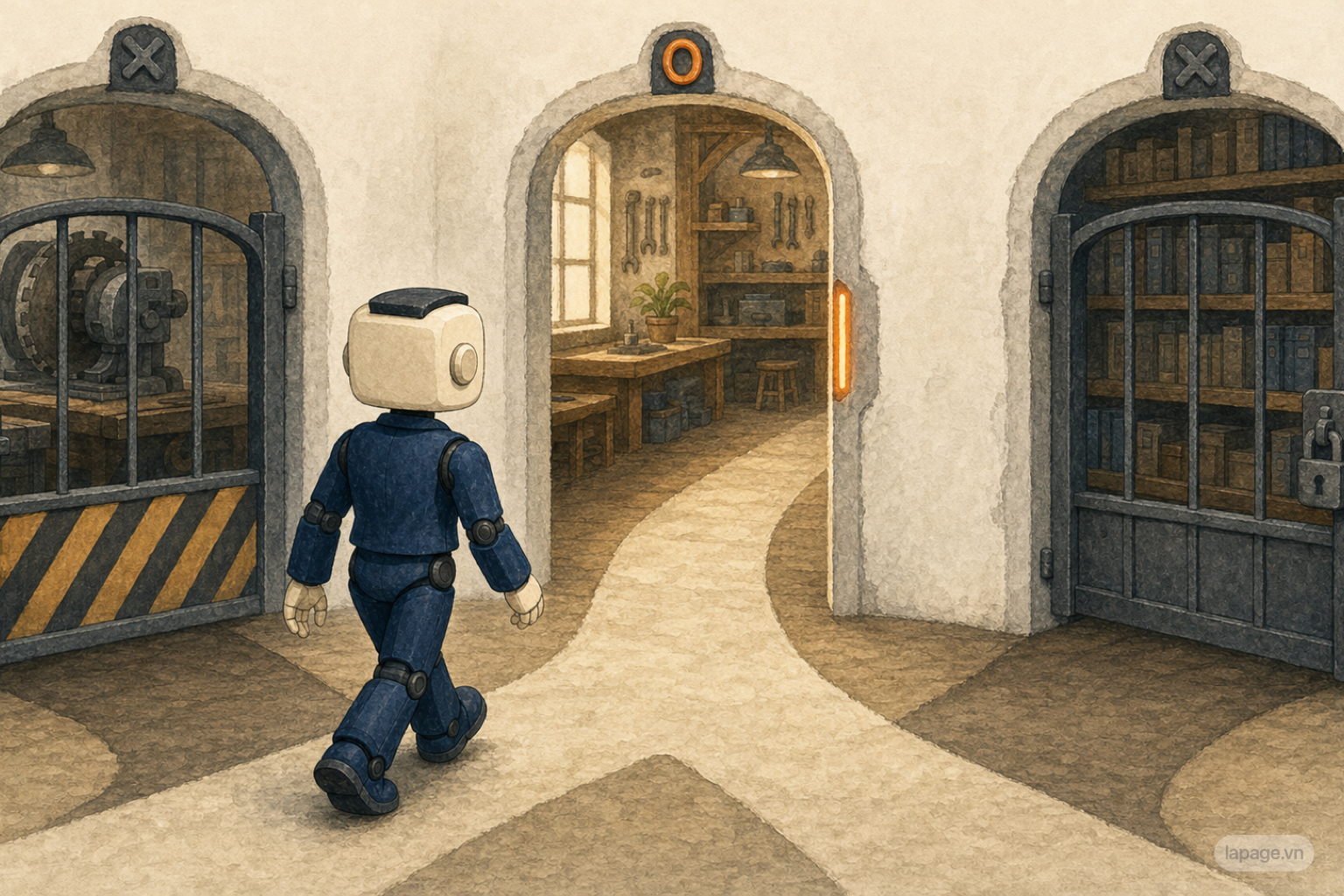
The deposit deadline is approaching. The selected supplier asks for three million VND to hold the order.
Ari has the necessary information: the price is reasonable, the delivery time works, and the number of meals is confirmed.
But Ari does not transfer the money.
Company policy says that any expense above two million VND needs a manager's approval. Ari prepares a short summary, attaches the quotation, and asks for confirmation.
After approval, a person with payment access completes the transaction.
This is where Guardrails and Permissions matter.
Ari can:
Ari cannot independently:
Guidance tells Ari what Ari should do. Permissions determine what Ari is allowed to do.
That difference matters. A note saying "do not spend money without approval" is useful. An account that has no ability to transfer company funds is a stronger protection.
An agent that can do real work can also cause real consequences. A dependable system does not merely hope Ari remembers every rule. It limits risky actions as well.
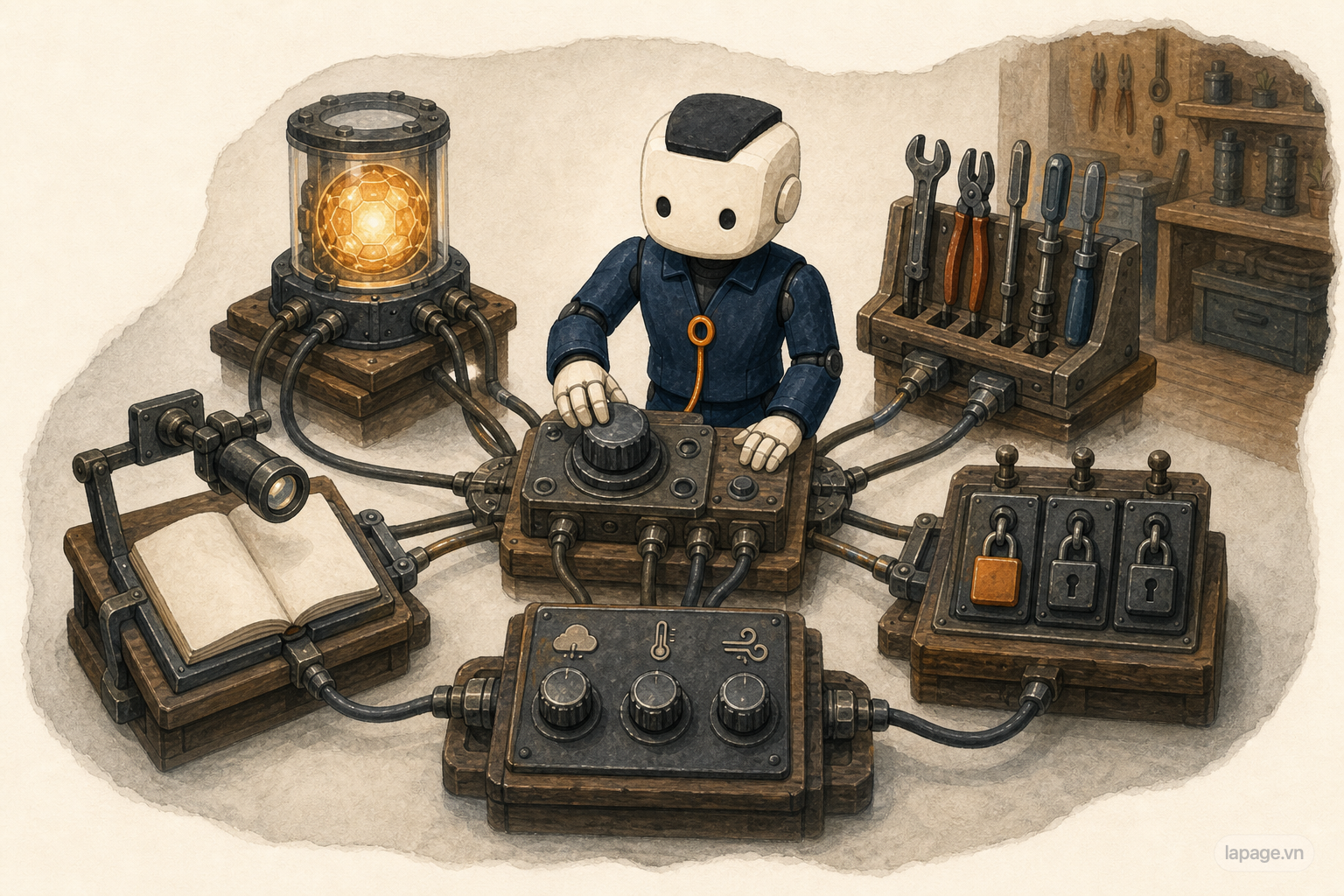
Ari now has the pieces needed to support the customer workshop:
The remaining job is to connect all of them inside one operating environment.
The system must know which Model to use, which Tools are available, which accounts are connected, which Skills can be loaded, and which actions require the manager's approval. That operating setup is called Runtime Configuration.
Eventually, the day of the workshop arrives.
Before the guests enter, Ari checks the list one final time:
Ari does not stand on stage. Ari does not replace the manager who welcomes the customers.
Ari simply helps the small tasks stay connected, prevents details from being forgotten, and brings decisions to the right person at the right time.
At that point, Ari is no longer only a system that generates answers. Ari has become an agent that can support real work.
Without the technical terms, Ari's journey is simple:
At first, Ari can only write a plan.
        |
Ari receives real information about the job.
        |
Ari connects to the calendar, guest list, email, and tracking sheet.
        |
Ari takes a step, reads the result, and adjusts.
        |
Ari keeps track of progress and useful information.
        |
Ari follows a proven process.
        |
Ari respects the company's way of working.
        |
Ari performs only the actions that are allowed.
The technical terms simply give each part of the story a name:
| In the story | Technical name |
|---|---|
| Understanding the request and drafting content | Model |
| The request and information about the workshop | Prompt and Context |
| Calendar, email, Spreadsheet, and maps | Tools |
| Acting, checking the result, and continuing | Agent Loop |
| The current job record and useful retained information | State and Memory |
| The event playbook | Skill and Workflow |
| The company's standing rules | Persistent Guidance |
| What Ari may do and what requires approval | Guardrails and Permissions |
| How the whole system is connected | Runtime Configuration |
You do not need to memorize this table to understand an AI agent.
Remember one idea:
A Model can produce a good answer. An agent must be able to follow the work through, observe what happened, and know when to stop and ask a person.
Codex is one concrete example of several parts of Ari's story.
Codex can connect to external systems through MCP Tools. Skills help Codex perform repeatable work in a consistent way. AGENTS.md tells Codex about the rules of a user and repository. The Agent Loop connects individual steps into work that can be checked.
Continue with How Codex Works: MCP Tools, Skills, and AGENTS.md.
An AI agent does not have to begin with a complicated technical job.
Start with something ordinary: preparing a workshop, arranging a schedule, tracking attendance, remembering small details, and asking permission before important actions.
That everyday job shows what makes an agent dependable.
It is not only a smart Model.
It is the complete system that helps the Model understand the situation, use the right Tools, preserve the thread of the work, follow a proven process, respect workplace rules, and stop at the right moment when a person needs to decide.
Founder of LaPage Digital, a Vietnam-based digital infrastructure and automation company founded in 2018. Huy Lan is a former Data Engineer at Publicis, where he managed data infrastructure for clients across the APMEA region. He focuses on helping businesses build reliable systems, own their data, and automate operations with practical, maintainable technology.
Subscribe to our newsletter to receive technical insights and updates on best practices for web development and hosting infrastructure.