AI Agents & Agentic Systems
Use ChatGPT and Claude in n8n with one LaRouter API key
Nov 13, 2026 · 3 min read
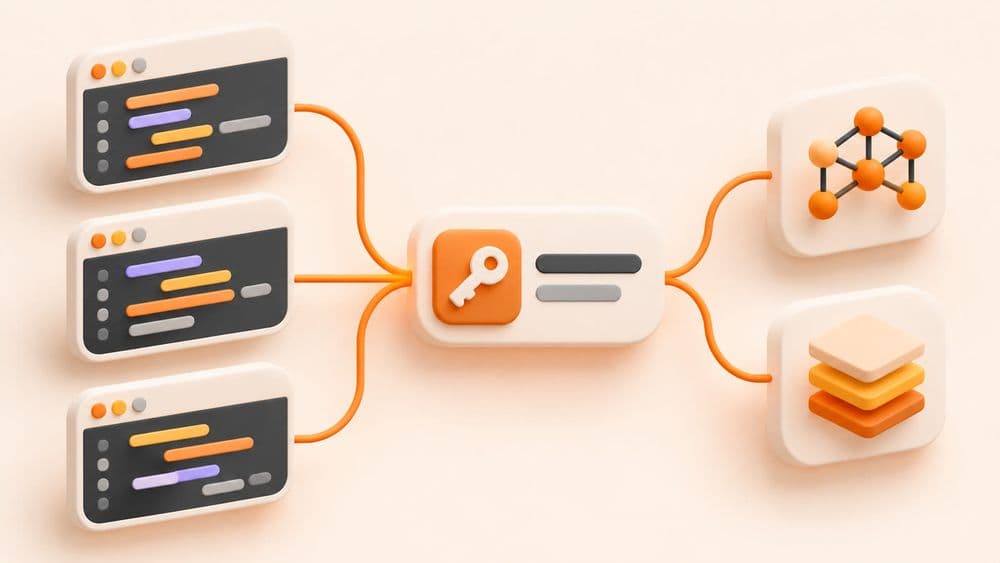
Call GPT and Claude from your code with one LaRouter API key: curl, Python and Node.js examples with the OpenAI SDK, the Anthropic SDK, and notes for production.
If your app needs to call both GPT and Claude, LaRouter gives you one API address and one key that work for both. Code written for the OpenAI SDK only needs a new base_url and key, and to switch models you change the model name. You pay by VND bank transfer, and businesses get a VAT invoice.
▶ Watch the setup video (about 2 minutes, in Vietnamese): youtu.be/ILiPv5mHZQ0
https://i-larouter.lapage.vn/v1claude-sonnet-5-5, claude-haiku-5-5, claude-opus-5-5, gpt-6.1-sol. For the full list, call GET /v1/models.Put the key in an environment variable instead of writing it into your code:
export LAROUTER_KEY='YOUR_KEY'
curl https://i-larouter.lapage.vn/v1/chat/completions \
  -H "Authorization: Bearer $LAROUTER_KEY" \
  -H "Content-Type: application/json" \
  -d '{"model":"claude-haiku-5-5","messages":[{"role":"user","content":"Xin chào"}]}'
import os
from openai import OpenAI

client = OpenAI(base_url="https://i-larouter.lapage.vn/v1", api_key=os.environ["LAROUTER_KEY"])

r = client.chat.completions.create(
    model="claude-sonnet-5-5",
    messages=[{"role": "user", "content": "Viết 3 tiêu đề cho bài về quản lý kho"}],
)
print(r.choices[0].message.content)
Change to model="gpt-6.1-sol" to call GPT; nothing else needs to change.
import OpenAI from "openai";

const client = new OpenAI({ baseURL: "https://i-larouter.lapage.vn/v1", apiKey: process.env.LAROUTER_KEY });

const r = await client.chat.completions.create({
  model: "claude-haiku-5-5",
  messages: [{ role: "user", content: "Phân loại email này: khiếu nại, hỏi giá hay khác?" }],
});
console.log(r.choices[0].message.content);
If your code already uses the Anthropic SDK, set base_url to https://i-larouter.lapage.vn/v1 and use your LaRouter key; the /v1/messages endpoint works as usual.
See the plans at larouter.lapage.vn.
Detailed endpoint documentation is on the LaRouter API page.
LaPage Digital publishes systems-focused writing on architecture, automation, infrastructure, and operational delivery.

Subscribe to our newsletter to receive technical insights and updates on best practices for web development and hosting infrastructure.