AI Agents & Agentic Systems
Call GPT and Claude from your code with one API key: Python, Node.js and curl examples
Nov 13, 2026 · 2 min read
Set up Claude Code and Codex with one LaRouter API key in about 2 minutes: one-line commands for macOS, Linux and Windows, manual config, and common fixes.
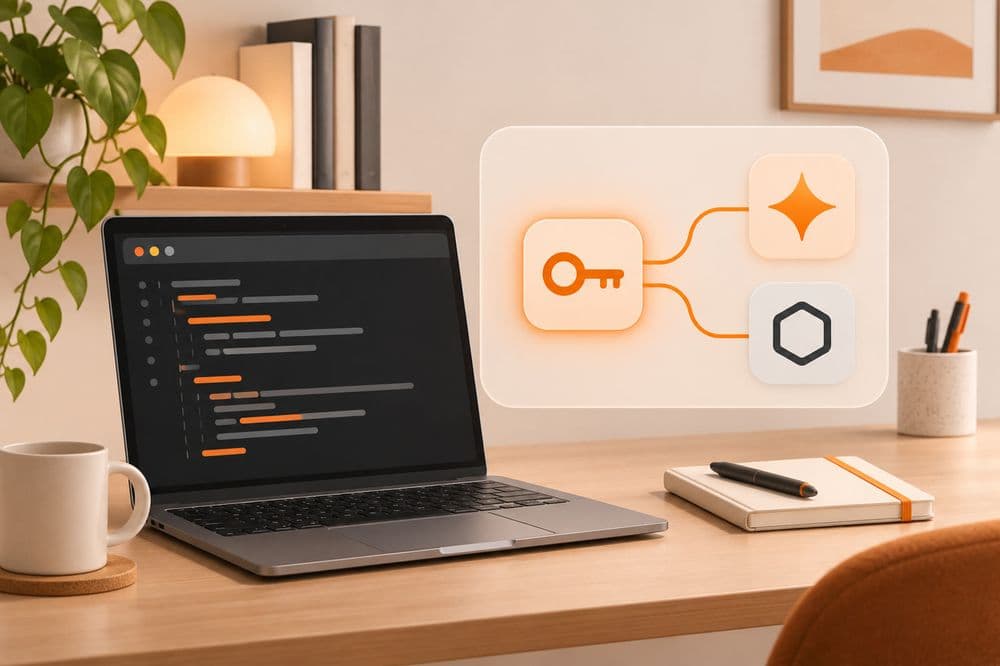
Claude Code and Codex are two AI coding tools that run in your terminal. Normally each needs its own account: Claude Code with Anthropic, Codex with OpenAI, each paid by international card. With LaRouter you use one API key for both, pay by VND bank transfer, and businesses get a VAT invoice.
▶ Watch the setup video (about 2 minutes, in Vietnamese): youtu.be/hO1bkBAedy0
This guide sets up each tool. Each takes about 2 minutes.

On macOS or Linux, open a terminal and run (replace YOUR_KEY with your API key):
curl -fsSL https://larouter.lapage.vn/setup/claude.sh | LAROUTER_KEY='YOUR_KEY' bash
On Windows, open PowerShell:
$env:LAROUTER_KEY='YOUR_KEY'; irm https://larouter.lapage.vn/setup/claude.ps1 | iex
This command only writes the LaRouter address and your API key to ~/.claude/settings.json. Your other settings stay as they are.
Open ~/.claude/settings.json and add an env section:
{
  "env": {
    "ANTHROPIC_BASE_URL": "https://i-larouter.lapage.vn/v1",
    "ANTHROPIC_AUTH_TOKEN": "YOUR_KEY"
  }
}
Reopen Claude Code and ask any question. If you get an answer, you are done.
curl -fsSL https://larouter.lapage.vn/setup/codex.sh | LAROUTER_KEY='YOUR_KEY' bash
Windows:
$env:LAROUTER_KEY='YOUR_KEY'; irm https://larouter.lapage.vn/setup/codex.ps1 | iex
Open ~/.codex/config.toml, set the model and add the LaRouter provider:
model = "gpt-6.1-sol"
model_provider = "larouter"

[model_providers.larouter]
name = "LaRouter"
base_url = "https://i-larouter.lapage.vn/v1"
wire_api = "responses"
requires_openai_auth = false
experimental_bearer_token = "YOUR_KEY"
Reopen Codex and try a command.
See the plans at larouter.lapage.vn.
claude-sonnet-5-5 for Claude Code, gpt-6.1-sol for Codex.Step-by-step guides for each operating system are on the LaRouter docs page. For help with setup, message LaPage on Zalo.
LaPage Digital publishes systems-focused writing on architecture, automation, infrastructure, and operational delivery.

Subscribe to our newsletter to receive technical insights and updates on best practices for web development and hosting infrastructure.