
Own Your Systems
What a travel website needs to get messages: 7 parts of a template
Nov 4, 2026 · 5 min read
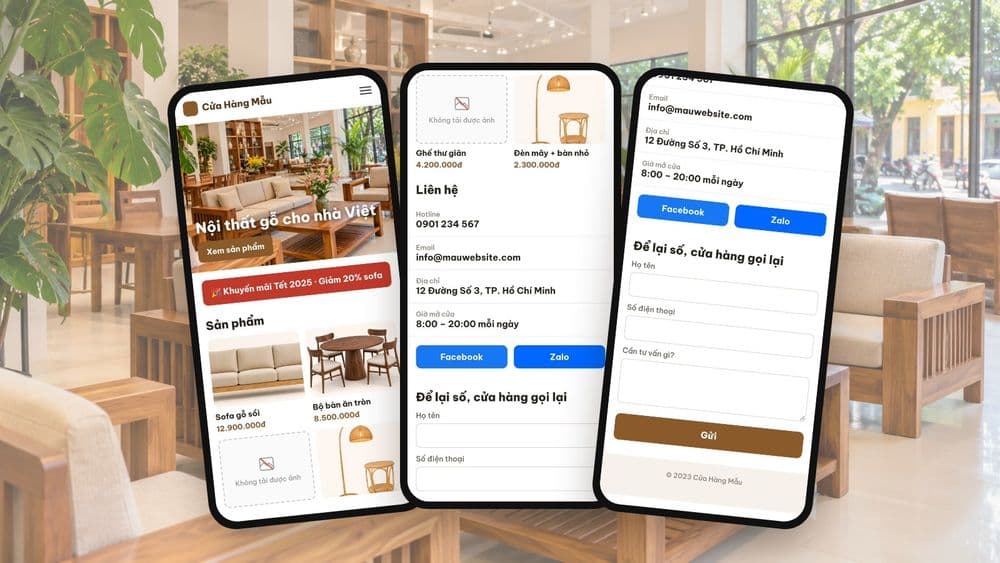
A number that cannot be tapped to call, a template email left on the contact page, a form that says sent but never delivers: faults that do not take a site down, so nobody notices. Seven checks an owner can run on a phone in 5 minutes, with fixes and a self-scoring tool.
A website can lose customers every day without the owner knowing. The phone number cannot be tapped to call, the email on the contact page still belongs to the old template, the form says "sent successfully" but the message never arrives. None of this takes the site down, so nobody reports it. Customers just quietly go elsewhere.
The good news: you can check it yourself, on your own phone, in about 5 minutes. This article walks through 7 checks, with a self-scoring tool at the end.
Watch the check on a demo website (in Vietnamese)
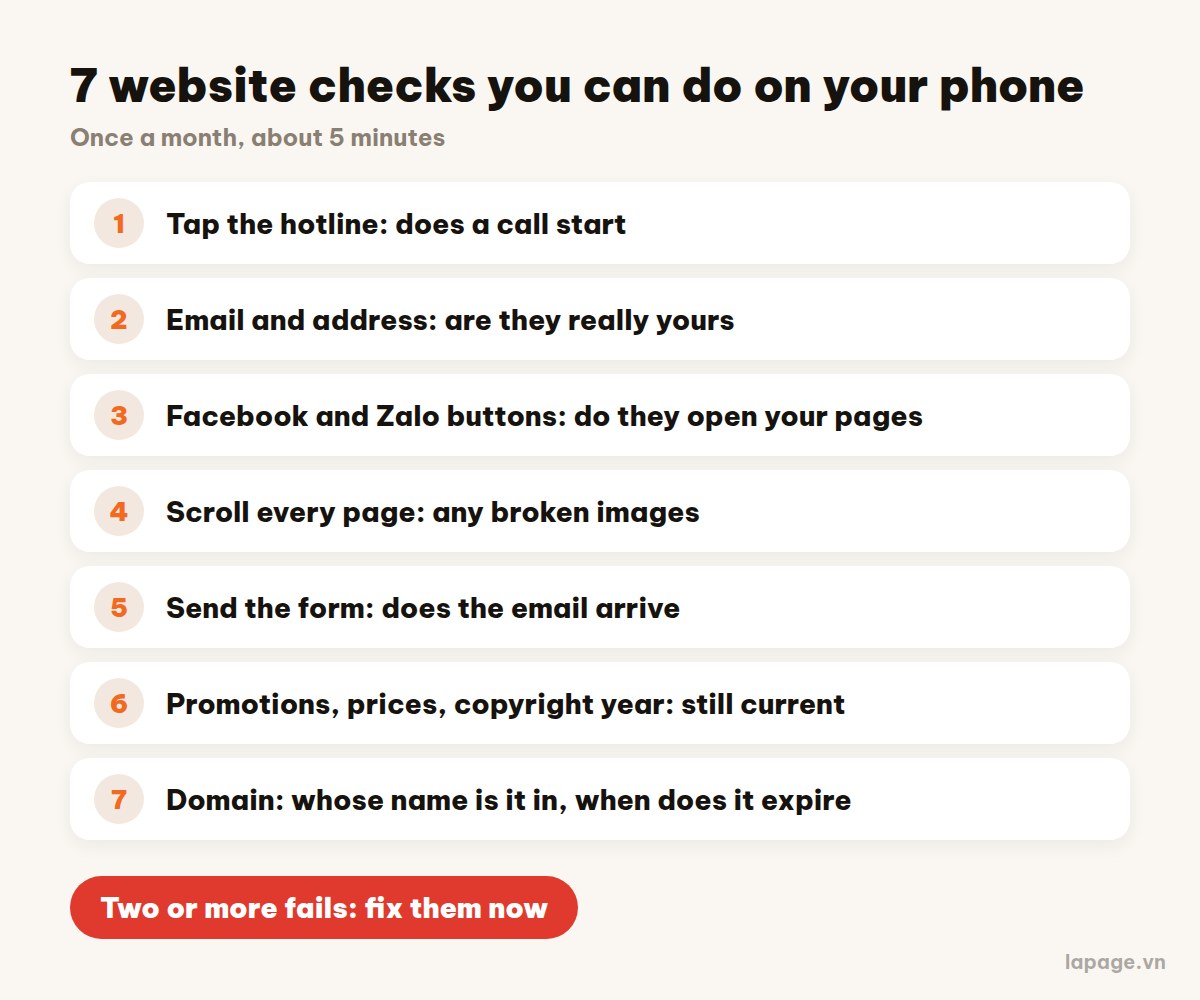
Most customers open your website on a phone, often from Facebook, Zalo or Google Maps. On a computer everything may look fine to your developer, but some problems only show when you tap: does the number call, do the buttons work, does the form send. So act like a stranger: open the site on your phone, not logged in, and tap everything a customer would tap.
Tap the phone number in the header and on the contact page. Your phone should offer to call straight away. If nothing happens, the number is just text, and customers have to copy it by hand. Many give up at this step.
Fix: ask your developer to make the number a call link (tel:). It takes a few minutes.
Read every line on the contact page, the footer and the about page. Many websites are built from templates, and sometimes an email or a paragraph from the template survives in a corner nobody reads. Messages sent there are lost.
Fix: find and replace every email, phone number and address that is not yours. If the site has several languages, check the English version too.
Tap each social button. Each one must open your own page. Common faults: the button only jumps back to the top of the page, or opens someone else's page.
Fix: paste the correct links. Remove buttons for networks you do not use instead of leaving them pointing nowhere.
Scroll the home page, product or project pages and the about page. An empty image box or a broken-image icon makes customers think the business is neglected, even if the product is good.
Fix: re-upload broken images; hide products that have no photos.
This is the most dangerous fault, because the form still says "sent successfully", so nobody knows the message never arrived. Meanwhile the customer is waiting for a call back.
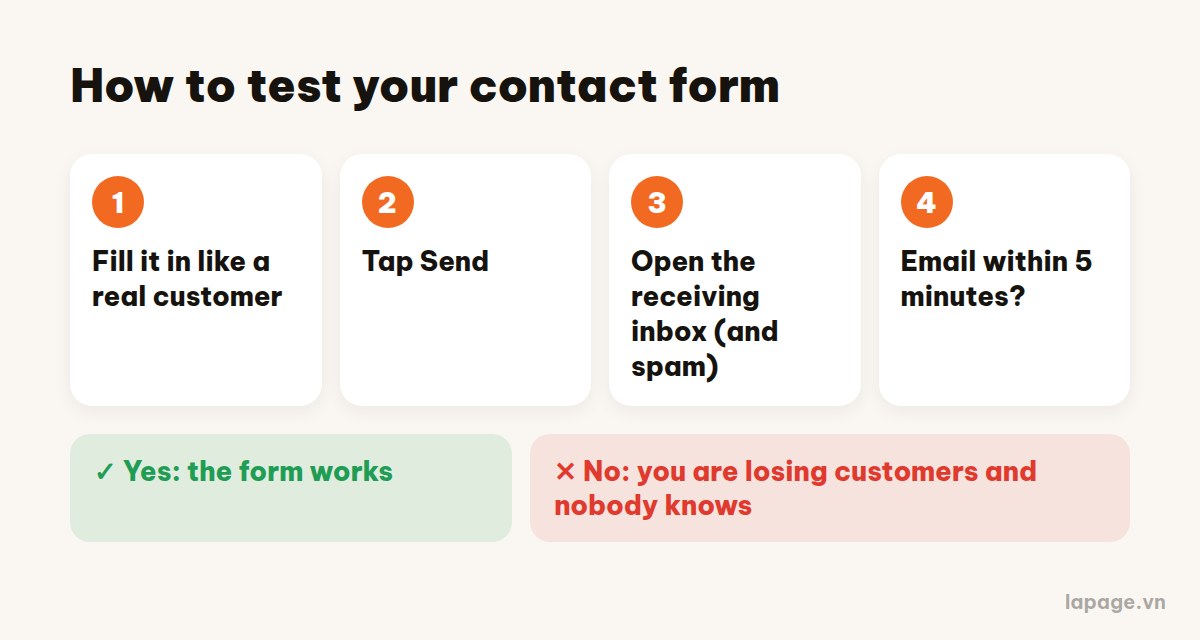
Fill in the form like a real customer, send it, then open the receiving inbox, including the spam folder. If nothing arrives within 5 minutes, tell your developer at once.
Last year's Lunar New Year promotion, an old price list, changed opening hours, "© 2023" in the footer: each is small, but together they make the site look abandoned.
Fix: remove expired promotions, update prices and hours, and let the copyright year update itself.
When a domain expires, the whole website disappears, along with any email on that domain. Ask your developer three questions:
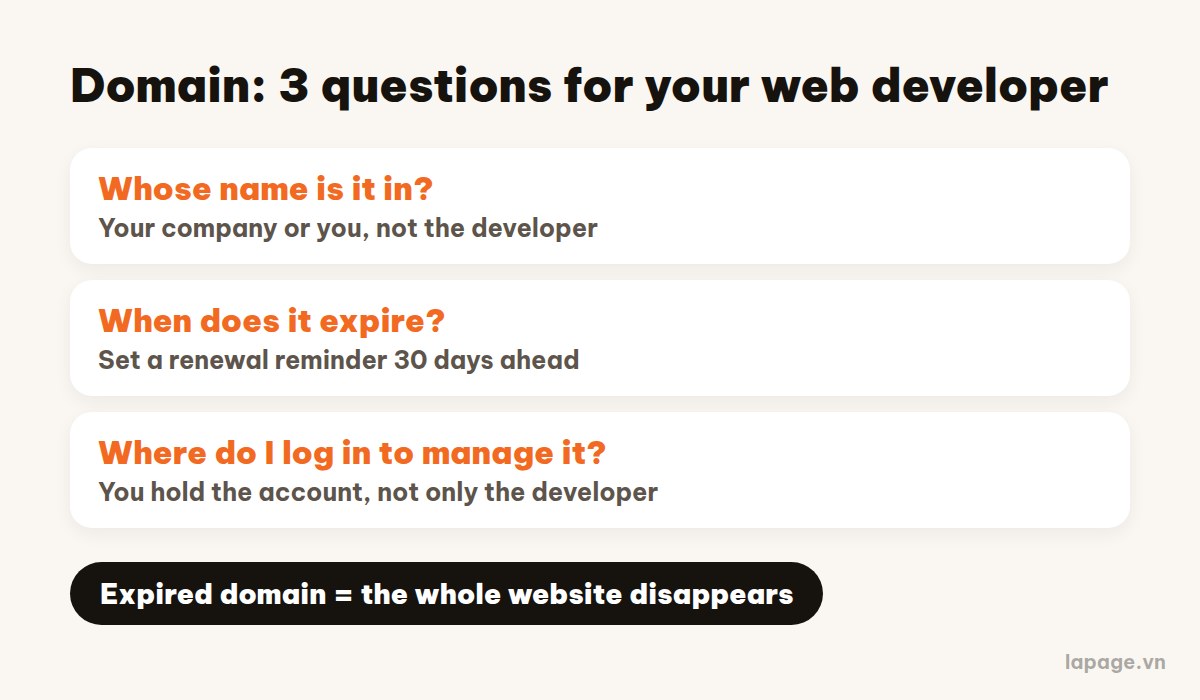
The domain should be in your company's or your own name. If only the developer knows the management password, that is a risk worth fixing soon.
Two or more fails: fix them now. Most take a few minutes. Save this article and run the check once a month, especially after changing your phone number or email, or redesigning the site.
LaPage builds and looks after websites for businesses. If you want someone to check with you, or want to know whose name your domain and website are in, message LaPage.
LaPage Digital publishes systems-focused writing on architecture, automation, infrastructure, and operational delivery.


Subscribe to our newsletter to receive technical insights and updates on best practices for web development and hosting infrastructure.