Recover your password
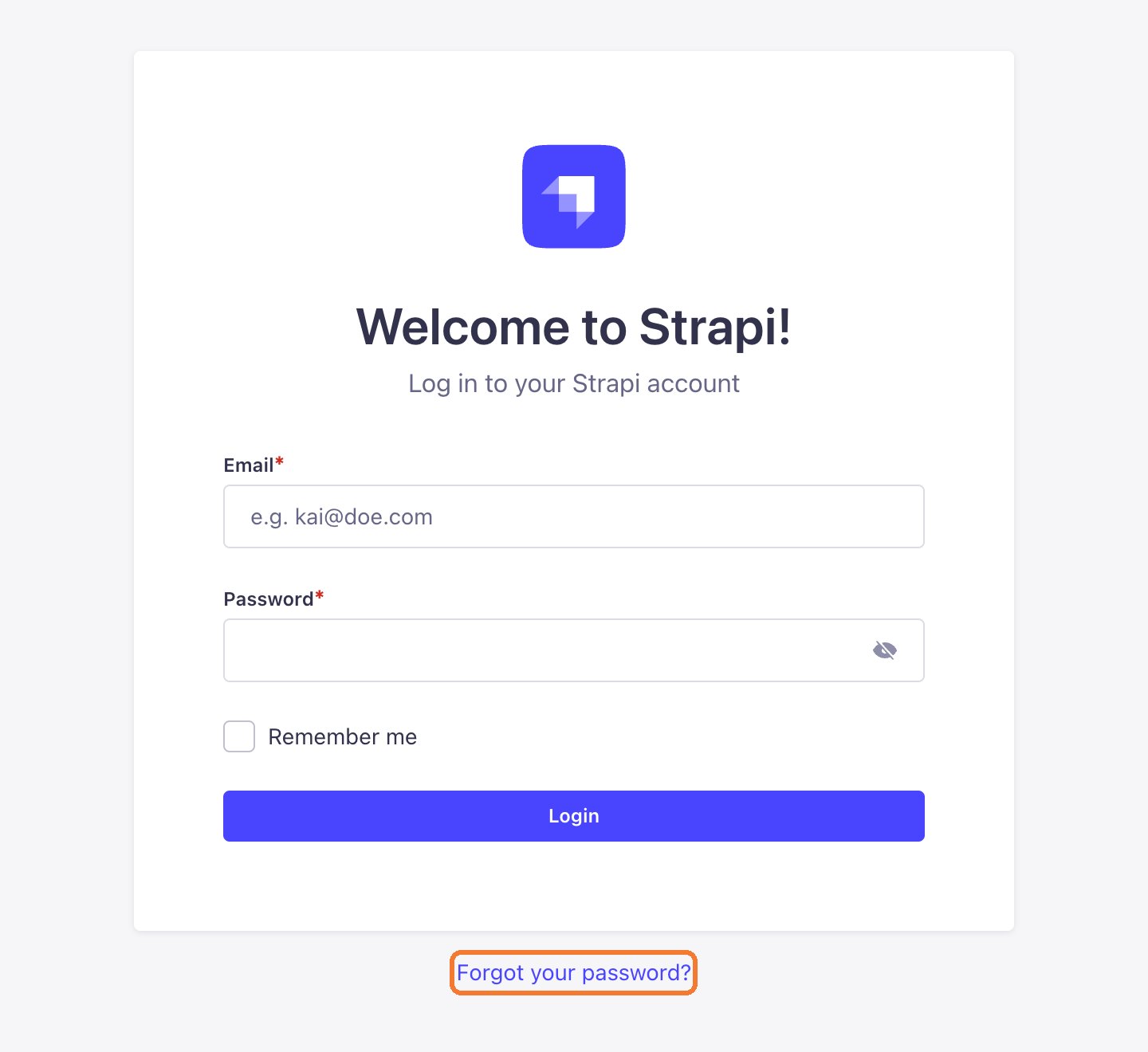
Use the Forgot your password link on the login page to reset your password by email.
Updated October 9, 2026
- Open the CMS login page and click Forgot your password?.
- Enter the email you log in with and submit.
- Open the email, click the reset link and choose a new password.
No email?
- Check your Spam or Promotions folder.
- Wait a few minutes and try again with the exact email you registered.
- Still nothing? Message LaPage on Zalo. We will confirm it is you and reset the account.
Still need help
Can't find the answer?
Message LaPage on Zalo with what you are trying to do and a screenshot if you have one. We will walk you through it step by step.