Log in to the CMS and find your way around
Open the admin panel, log in, and learn what each menu item is for.
Updated October 9, 2026
The CMS is where you update your website yourself: posts, images, products and categories. Anything you publish here appears on your website without waiting for LaPage.
Log in
- Open the admin address from your handover document (usually
https://strapi-cms.lapage.vn/admin). - Enter your Email and Password, then click Login.
- On your own computer, tick Remember me so you stay logged in.
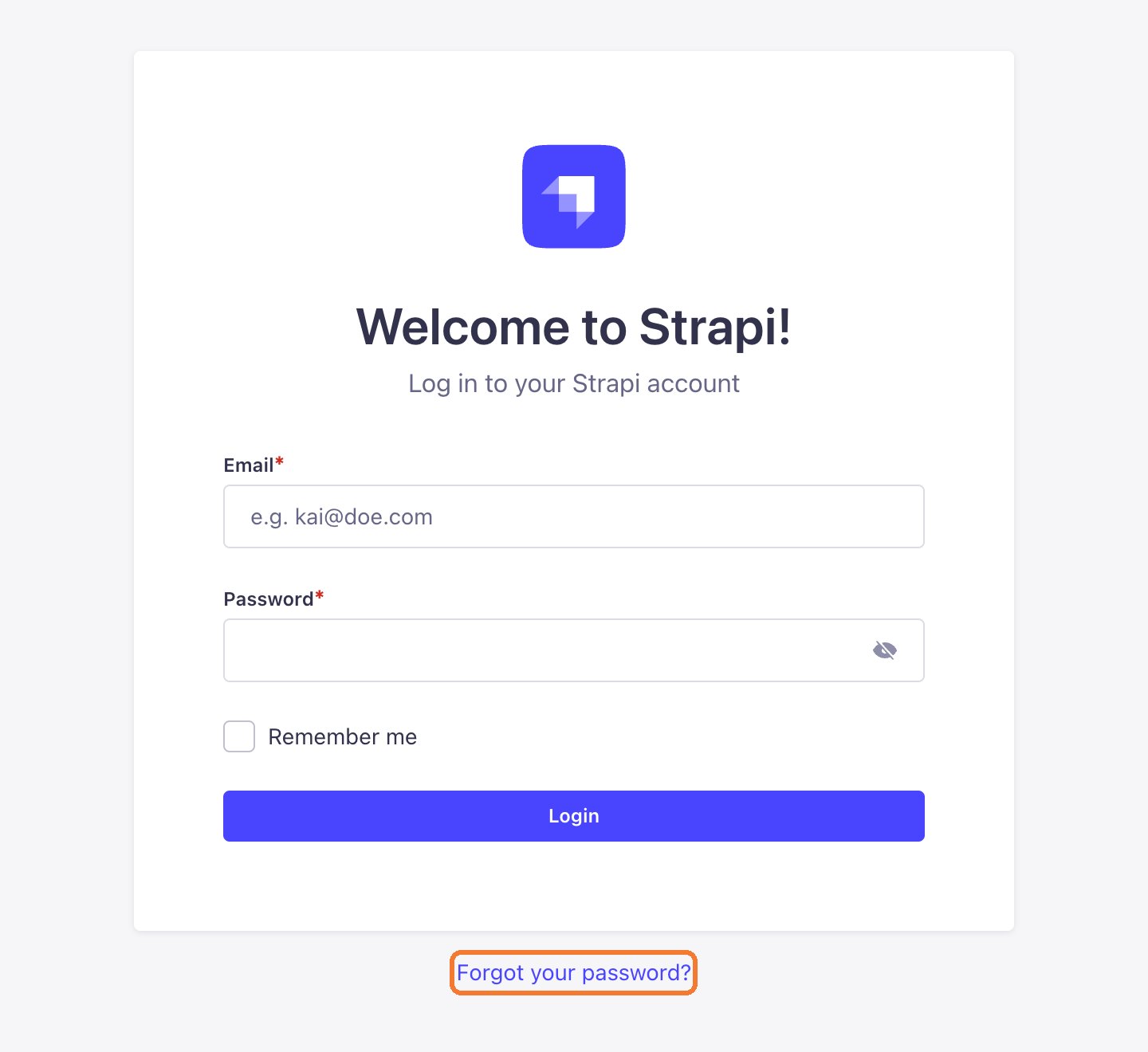
Forgot your password? See Recover your password.
The menu
After logging in, click the pen icon in the left column to open the Content Manager. This is where you will spend most of your time.
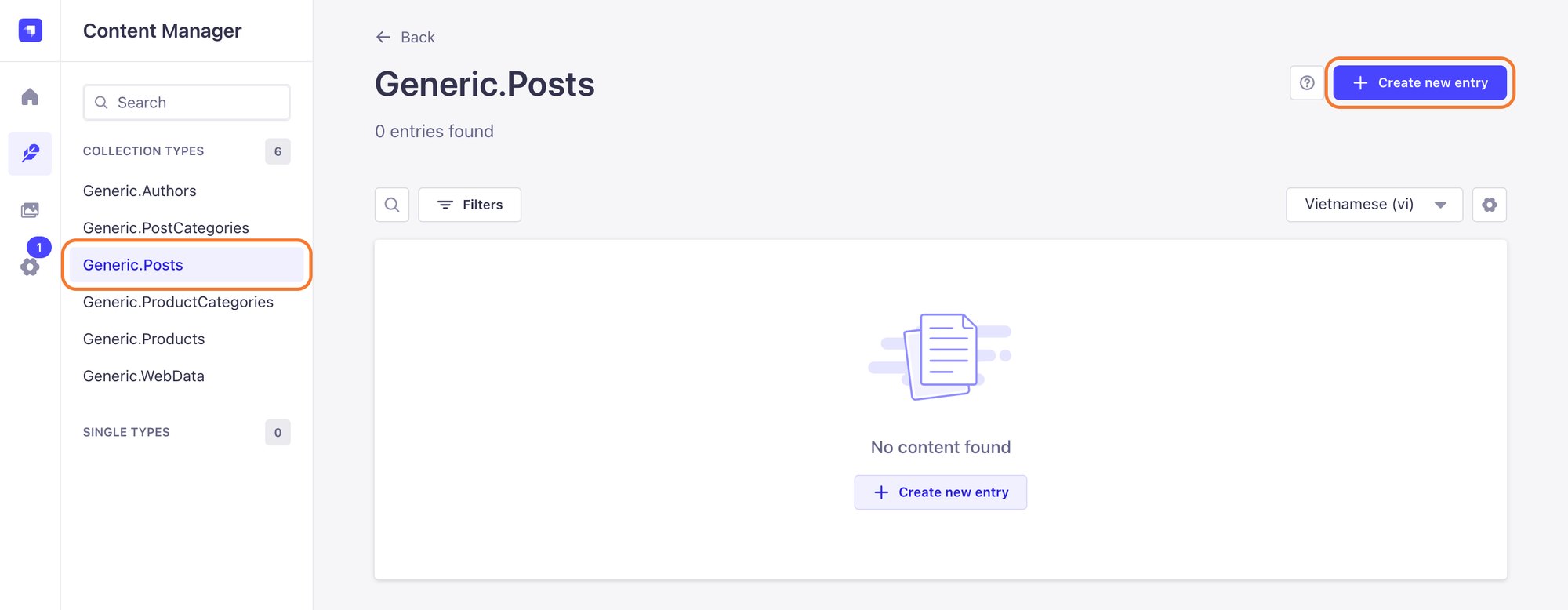
| Item | Used for |
|---|---|
| Generic.Posts | Posts, news, projects |
| Generic.PostCategories | Post categories |
| Generic.Products | Products (ecommerce websites) |
| Generic.ProductCategories | Product categories |
| Generic.Authors | Authors shown under posts |
The picture-frame icon in the left column is the Media Library, where every image you upload is stored.
Still need help
Can't find the answer?
Message LaPage on Zalo with what you are trying to do and a screenshot if you have one. We will walk you through it step by step.